스트리트 인물 사진
도쿄의 횡단보도에서 신호를 기다리는 데님 재킷 차림의 30대 남성 캔디드 사진, 저녁 비, 네온 반사, 35mm 렌즈, 얕은 심도.
원하는 사진을 글로 설명하면 몇 초 만에 완성됩니다. 무료이며 가입도 필요 없습니다. 무료 미리보기는 자체 운영하는 오픈 이미지 모델로 생성됩니다. GPT Image 2.5, Nano Banana Pro, HD 출력, 편집, 내 얼굴로 만드는 사진까지 AI 이미지 생성기의 모든 기능은 가입 후 이용하세요.
무료 미리보기는 자체 운영하는 오픈 이미지 모델로 생성되며 가입이 필요 없습니다. 방문자당 일일 한도가 있으며 프롬프트는 안전성 검사를 거칩니다. GPT Image 2.5, Nano Banana, Seedance 2.5 등 모든 모델은 가입 후 크레딧으로 이용하세요.
사용 방법
생성하고 싶은 이미지의 내용을 텍스트 프롬프트로 자세하게 설명하세요.
10개 이상의 모델 중에서 선택하고, 해상도와 스타일 등의 설정을 조정하세요.
이미지를 생성하고, 편집 도구로 추가 보정할 수 있습니다.
기능
GPT Image, Nano Banana, Qwen, Dreamina, Z-Image 등 다양한 모델을 작업에 맞게 골라 쓰세요.
선택한 모델이 지원하는 화면 비율, 해상도, 출력 형식을 고르고 필요하면 업스케일하세요.
생성된 이미지나 업로드한 이미지의 의상, 액세서리, 스타일링을 자유롭게 변경하세요.
AI 페르소나의 표정 조정과 얼굴 디테일 보정을 AI의 정밀도로 구현합니다.
피사체를 완벽하게 유지하면서 배경을 교체하거나 수정할 수 있습니다.
변경하고 싶은 내용을 한국어로 설명하기만 하면 AI가 이해하고 적용합니다.
사진 스타일
MakeInfluencer 스튜디오에서 만든 예시입니다. 각 예시의 프롬프트를 위 무료 생성기의 출발점으로 활용하세요. 무료 미리보기의 오픈 모델은 프리미엄 모델과 결과물이 똑같지 않습니다.
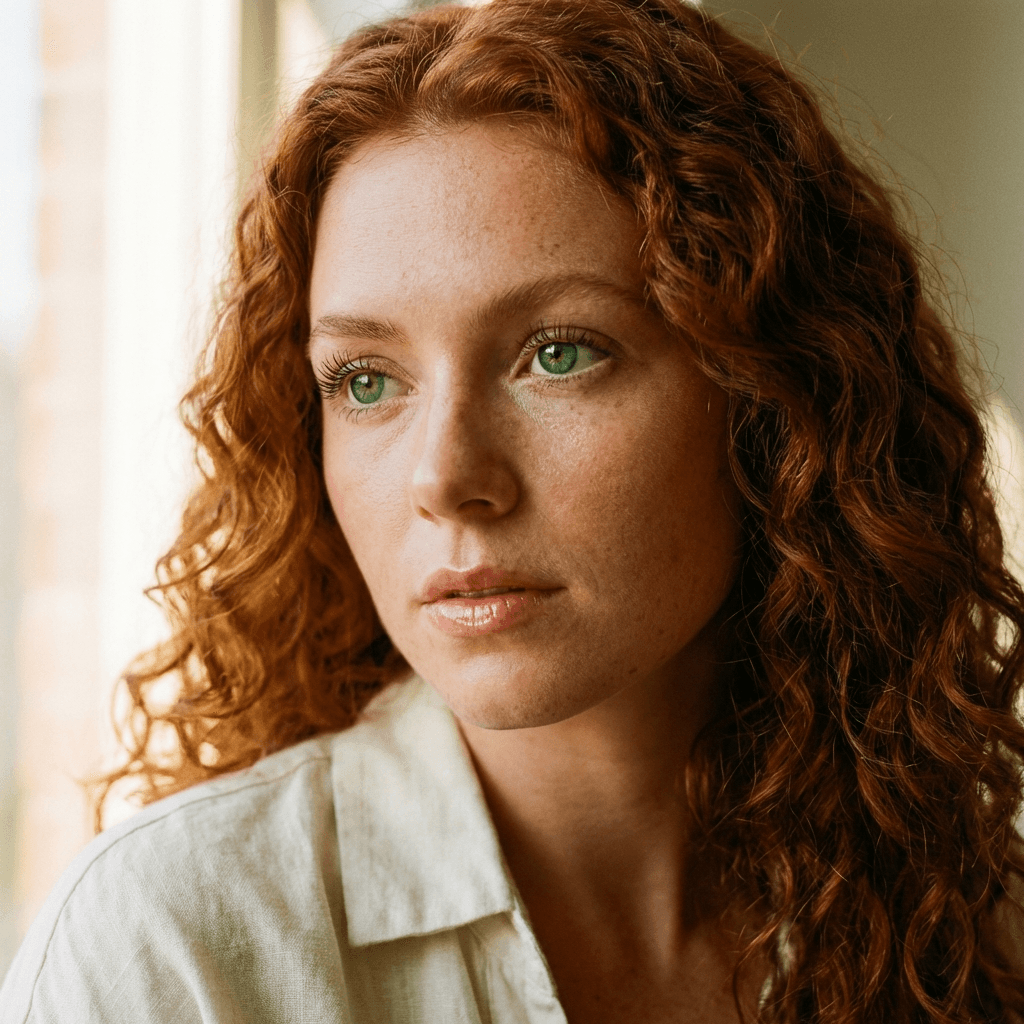
구릿빛 곱슬머리와 주근깨가 있는 여성, 리넨 셔츠, 창가의 부드러운 빛, 얕은 심도, 85mm.
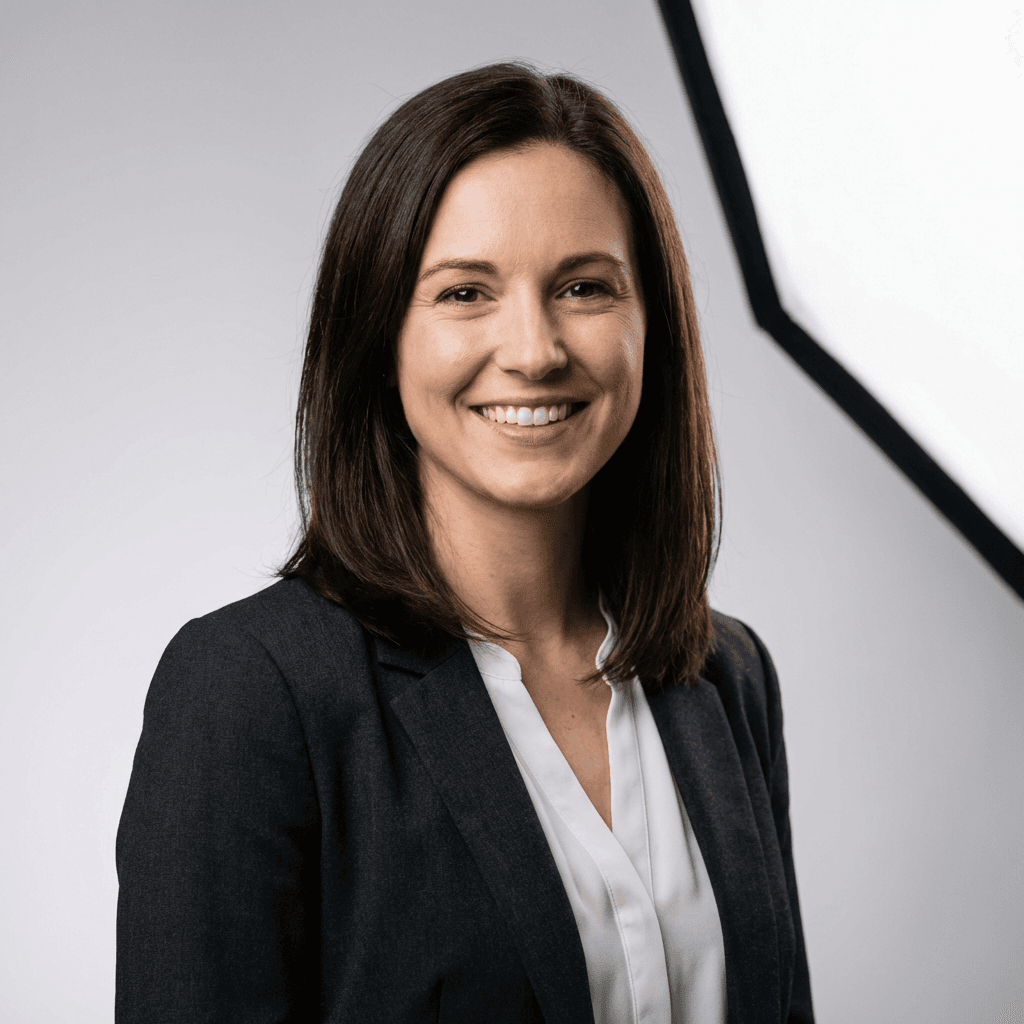
테일러드 블레이저를 입은 여성의 비즈니스 인물 사진, 단색 회색 스튜디오 배경, 부드러운 키 라이트.
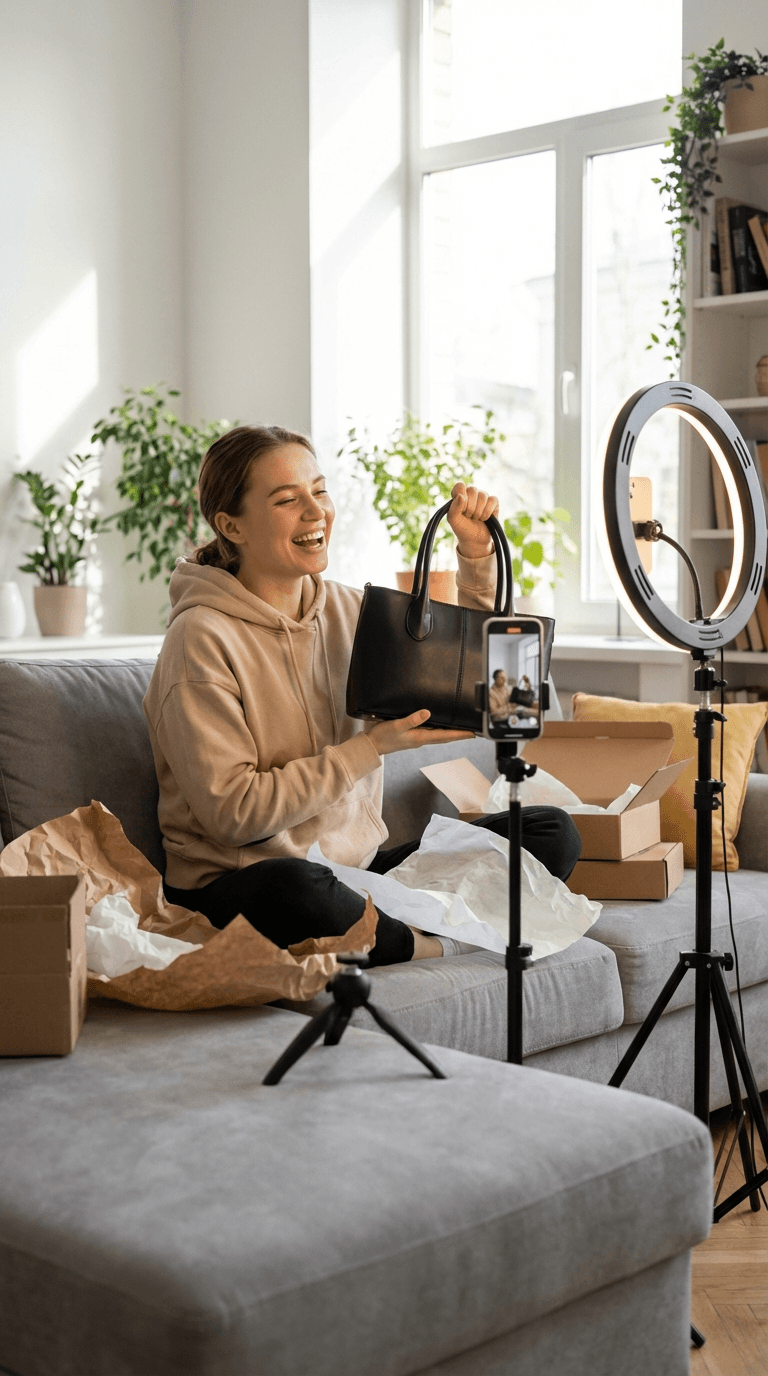
회색 소파에서 택배를 개봉하는 크리에이터, 링라이트와 삼각대 위 스마트폰, 밝은 거실.
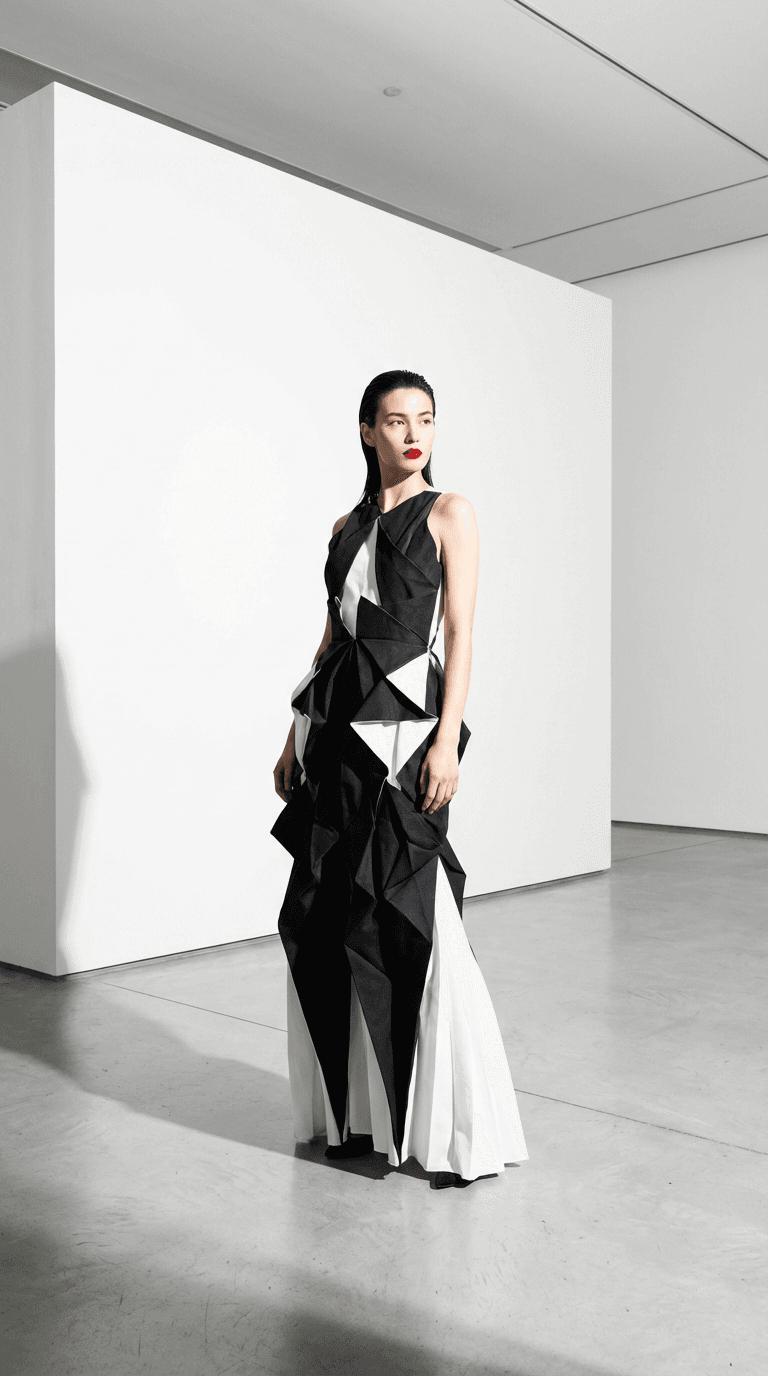
흑백의 조형적인 드레스를 입은 모델, 미니멀한 흰색 갤러리, 전신 샷.
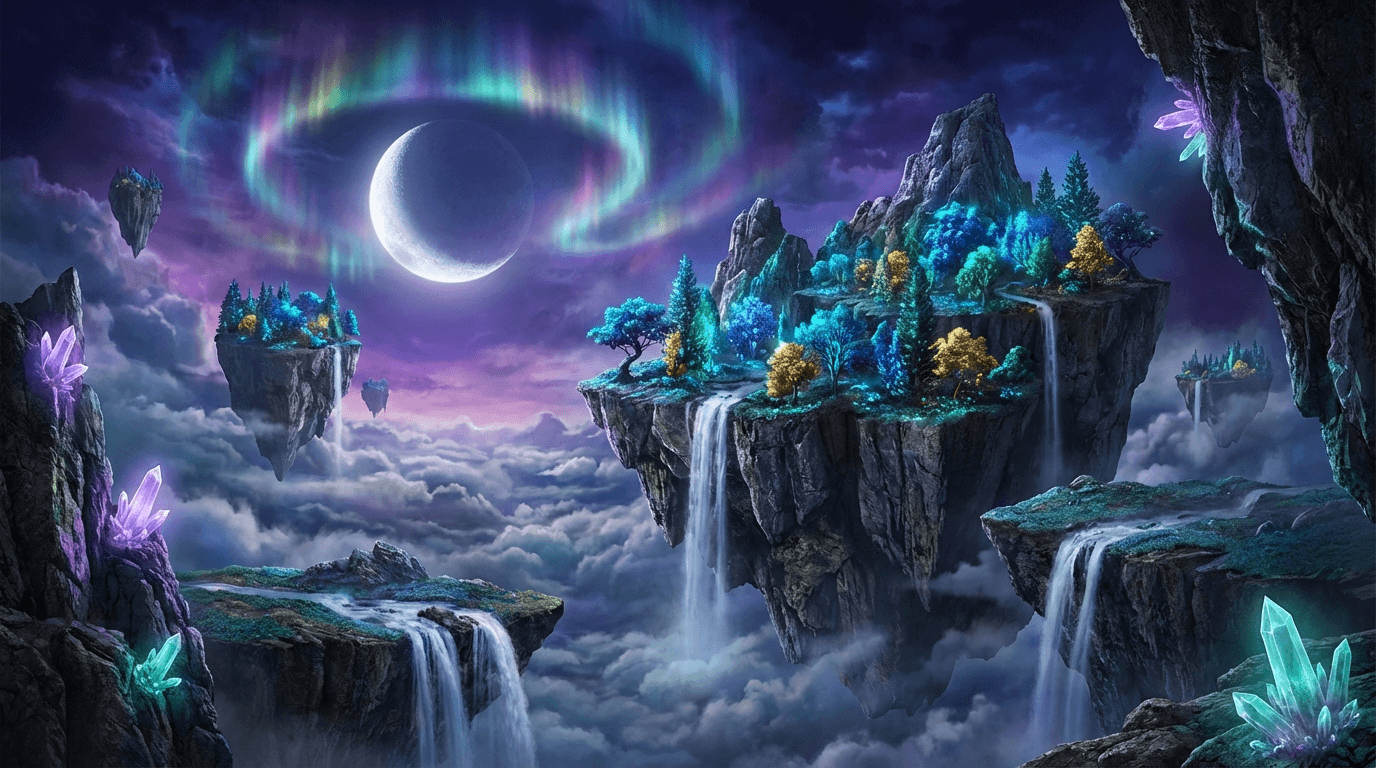
구름 위에 떠 있는 폭포가 흐르는 섬들, 골든아워, 웅장한 와이드 샷.
사진 프롬프트 예시
좋은 사진 프롬프트에는 피사체, 배경, 조명, 렌즈가 들어갑니다. 하나를 복사해 위 무료 생성기에 붙여 넣고 세부 내용을 바꿔 보세요.
도쿄의 횡단보도에서 신호를 기다리는 데님 재킷 차림의 30대 남성 캔디드 사진, 저녁 비, 네온 반사, 35mm 렌즈, 얕은 심도.
젖은 돌판 위에 놓인 호박색 유리 스킨케어 병, 유칼립투스 잎, 부드러운 측광, 깔끔한 베이지 배경, 제품 촬영.
소박한 아침 식탁을 위에서 내려다본 사진: 아보카도를 올린 사워도우 토스트, 카푸치노 두 잔, 리넨 냅킨, 창으로 들어오는 아침 햇살.
해 질 녘 산토리니의 하얀 집들을 바라보는 밀짚모자 쓴 여성, 따뜻한 빛, 뒷모습을 24mm 광각으로.
나무 현관에 앉아 있는 골든 리트리버 강아지, 가을 낙엽, 역광에 빛나는 털, 눈높이 앵글, 85mm 렌즈.
리넨 소파, 오크 마루, 큰 식물, 오후 햇살이 드는 북유럽풍 거실, 건축 사진, 광각.





300,000명 이상의 크리에이터가 신뢰합니다
고객 후기
지난주에 호기심에 써봤는데 솔직히 멈출 수가 없어요. 인스타그램용 첫 AI 인플루언서를 만들었는데 — 사진이 무서울 정도로 진짜 같아요. 릴스용 립싱크 기능이 미쳤는데, 예상보다 훨씬 많은 인게이지먼트를 얻고 있어요.

“Stable Diffusion으로 몇 달간 일관된 얼굴을 만들려고 씨름했는데, 여기선 클릭 2번이면 끝이에요. 가격 대비 이미지 퀄리티가 진짜 좋습니다.”

“피트니스 인플루언서를 만들었는데 모션 컨트롤 기능에 완전히 빠졌어요. 실제로 운동 시범을 보여줄 수 있는데 진짜처럼 보여요. 운동 영상으로 틱톡이 터졌습니다.”
“개발자로서 AI 이미지 툴을 많이 써봤는데, 여기 페이스 스왑 퀄리티는 진심 인상적이에요. 유튜브 쇼츠에서 테크 리뷰 캐릭터로 쓰고 있는데 — 기대 이상으로 잘 됩니다.”
“재미로 캐릭터 하나 만들었다가 지금은 세 개를 운영하고 있어요. 각각 다른 외모와 개성이 있고요. 비디오 모델도 업데이트할 때마다 계속 좋아지고 있어요.”
FAQ
포토리얼 AI 이미지 생성에 MakeInfluencer.ai를 활용하고 있는 300,000명 이상의 크리에이터와 함께하세요.
몇 분 만에 시작 · 사용한 만큼만 결제