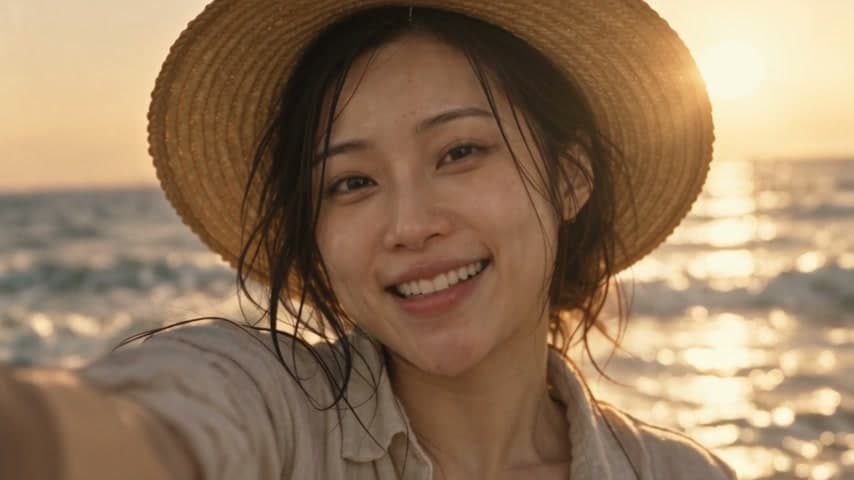
Consistent characters
Generate the still with a saved AI influencer, then animate it. The face never drifts.
Upload a photo, describe the motion and turn it into a video with ByteDance Seedance 2.5, Kuaishou Kling 3.0, Google Veo 3.1 or Alibaba Wan. Clips run up to 30 seconds at 1080p and above, with native audio on supported models. Every render uses credits, and the cost is shown first.
Rendered with ByteDance Seedance 2.5 from one still frame. Video runs in the studio on credits: pick Seedance 2.5, Kling 3.0, Veo 3.1 or Wan 3.0 and see the exact cost before you generate.
Open the video studioVideo generation uses credits, and the cost is shown before every render.
How It Works
Drop a JPG, PNG or WebP. Portraits, products and landscapes all work; keep the subject clear and well lit.
Say what should move: hair in the wind, a slow push-in, a head turn. Leave it blank for natural ambient motion.
Short clips are ready in a minute or two. Re-render the winner at a higher resolution, extend it to 30 seconds or add audio.
Image to video models
Every image to video model runs in the studio and API on credits, with the cost shown before you generate. Pick by length, resolution and audio.
| Model | Creator | Clip length | Resolution | Audio | Where |
|---|---|---|---|---|---|
| Wan 2.6 Flash | Alibaba | 2 to 15 s | 720p / 1080p | Optional | Studio and API |
| Seedance 2.5 | ByteDance | 4 to 30 s | 480p to 4K | Native | Studio and API |
| Kling 3.0 | Kuaishou | 3, 5, 10 or 15 s | Up to 1080p | Optional | Studio and API |
| Veo 3.1 Fast | 4, 6 or 8 s | 720p / 1080p | Native | Studio and API | |
| Wan 3.0 | Alibaba | 2 to 30 s | 480p to 1080p | Native | Studio and API |
Options as exposed in the MakeInfluencer.ai studio and API on 29 September 2026. Credit cost is previewed before every generation.
Features
Every render shows its credit cost before you generate, and short 720p drafts on Wan 2.6 Flash or Seedance 2.5 Turbo keep testing affordable.
Choose ByteDance Seedance 2.5, Kuaishou Kling 3.0, Google Veo 3.1, Alibaba Wan 3.0 and Wan 2.6 Flash in one studio.
Prompt the camera move and subject motion, or let the model add natural ambient movement.
Image-to-video preserves the face, outfit and framing of your photo, which makes it ideal for AI influencer content.
1080p and 4K on supported models, clips up to 30 seconds, native audio, start and end frames and reference images.
Automate image-to-video from code, or from Claude and Cursor, with the same models and credits.
Gallery
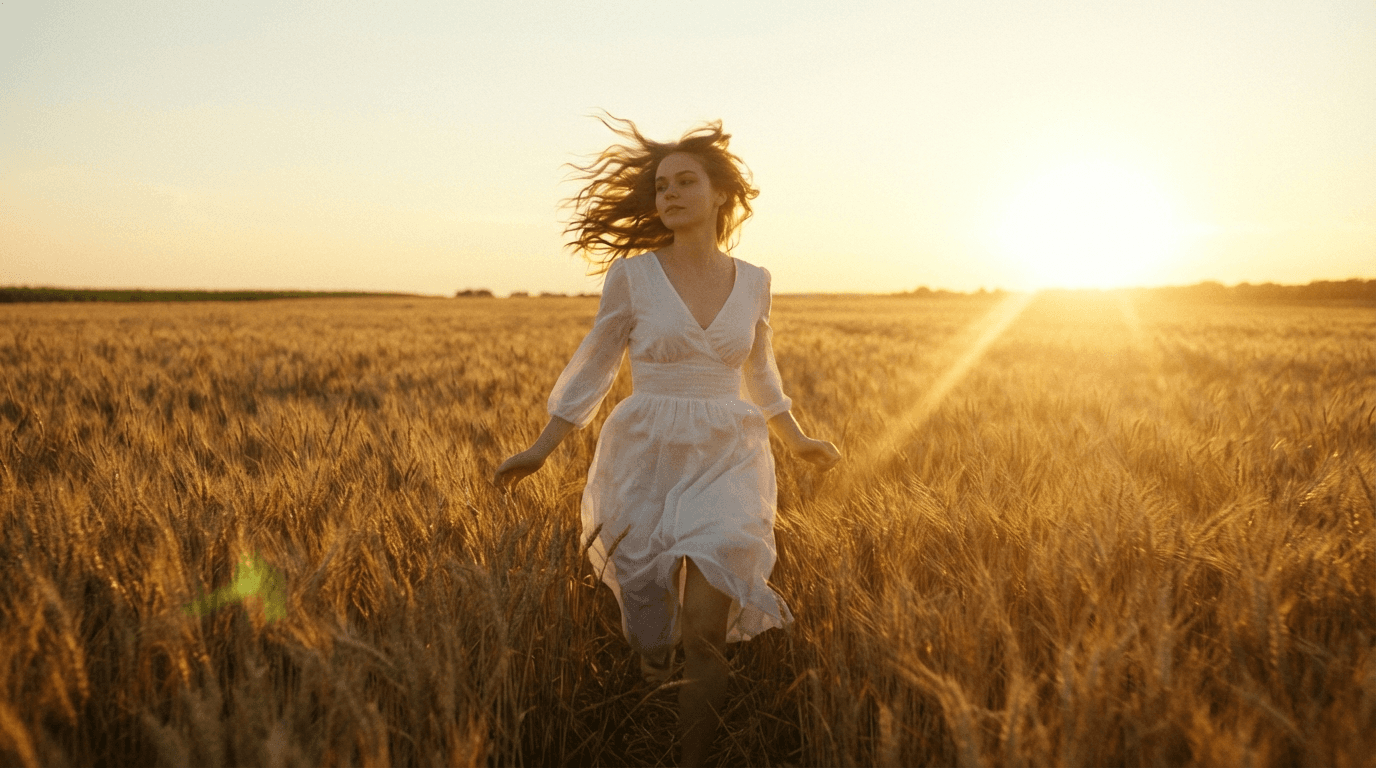
AI video frame of a woman walking through a wheat field at golden hour
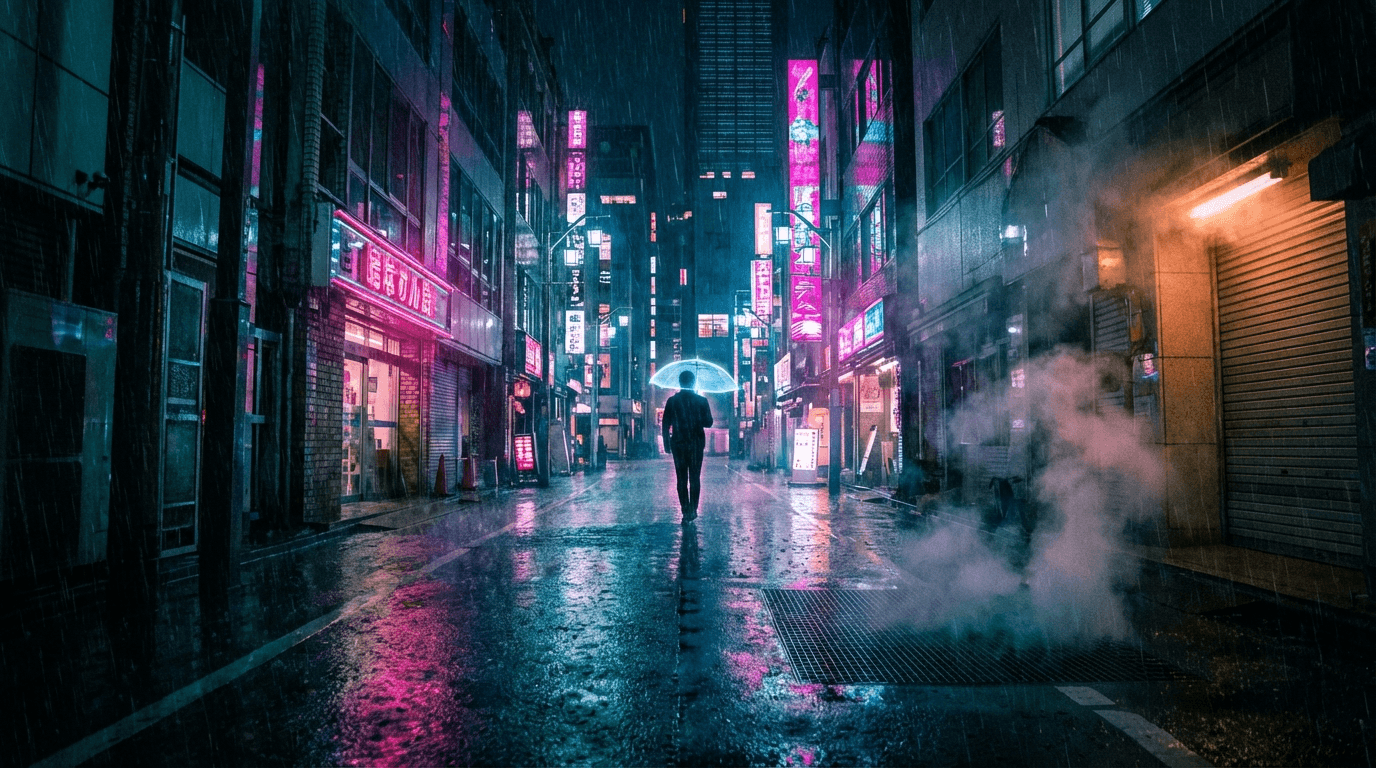
AI video frame of a neon-lit city street at night
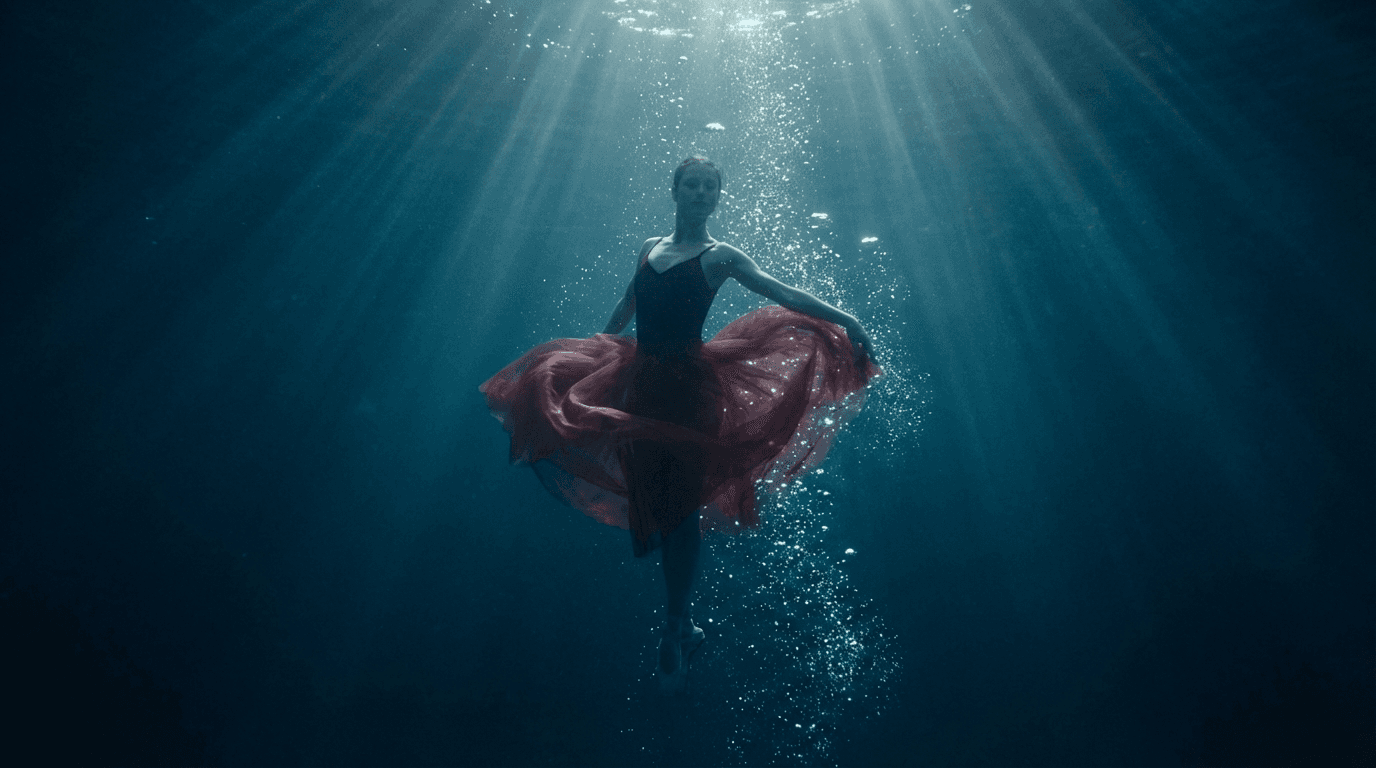
AI video frame of a dancer underwater
From one photo to a publishable clip
A still image is the cheapest way to lock identity, outfit and framing. Animating it afterwards gives you motion without re-rolling the character, which is why image-to-video is the backbone of AI influencer content, product ads and faceless channels.
Generate the still with a saved AI influencer, then animate it. The face never drifts.
Fix composition in the image stage, where a retry costs cents, before spending on video seconds.
Portrait for TikTok, Reels and Shorts, landscape for YouTube, square for feeds.
Practical workflow
One subject, clear lighting, no text overlays. Draft it with the free AI image generator or upload a photo you own.
Run a short 720p test on Wan 2.6 Flash or Seedance 2.5 Turbo with a simple motion prompt before committing to longer renders.
Re-render at 1080p with Seedance 2.5 or Kling 3.0, add audio, or extend to 30 seconds.
Send the clip to lip sync for a talking head, or use motion control to copy a reference performance.
AI output varies between runs. Only upload images you own or have permission to use, and review every clip before publishing.




Trusted by over 300,000+ creators
Testimonials
Tried this on a whim last week and honestly can't stop using it. Made my first AI influencer for Instagram — the photos look scarily real. The lip sync feature is insane for reels, getting me way more engagement than I expected.
“Was messing around with Stable Diffusion for months trying to get consistent faces. This does it in like 2 clicks. The image quality is seriously good for what you pay.”
“Created a fitness influencer and the motion control feature is what hooked me. She can actually do workout demos and it looks real. My TikTok blew up with the exercise videos.”
“I've tried a bunch of AI image tools as a developer. The character consistency here is genuinely impressive — same face across every clip without me having to fiddle. Using it for a tech review character on YouTube Shorts and it works way better than expected.”
“Started with one character just for fun, now I'm running three different ones. Each has their own look and personality. The video models keep getting better with every update too.”
FAQ
Bring your photo into the studio for 1080p clips up to 30 seconds with Seedance 2.5, Kling 3.0 and Veo 3.1, plus start and end frames, audio and reference images.
Start creating in minutes · Pay as you go