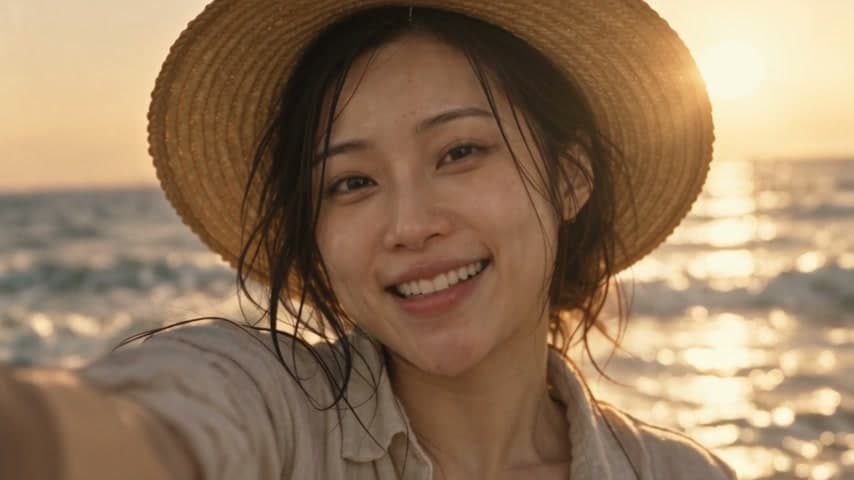
Audio-aware motion
Alibaba Wan 2.7 takes your track as input and times movement to it.
Upload your track, describe the scenes and generate visuals that follow the beat. Alibaba Wan 2.7 syncs motion to your audio, ByteDance Seedance 2.5 turns storyboards into cinematic clips, and the canvas assembles them into a finished music video.
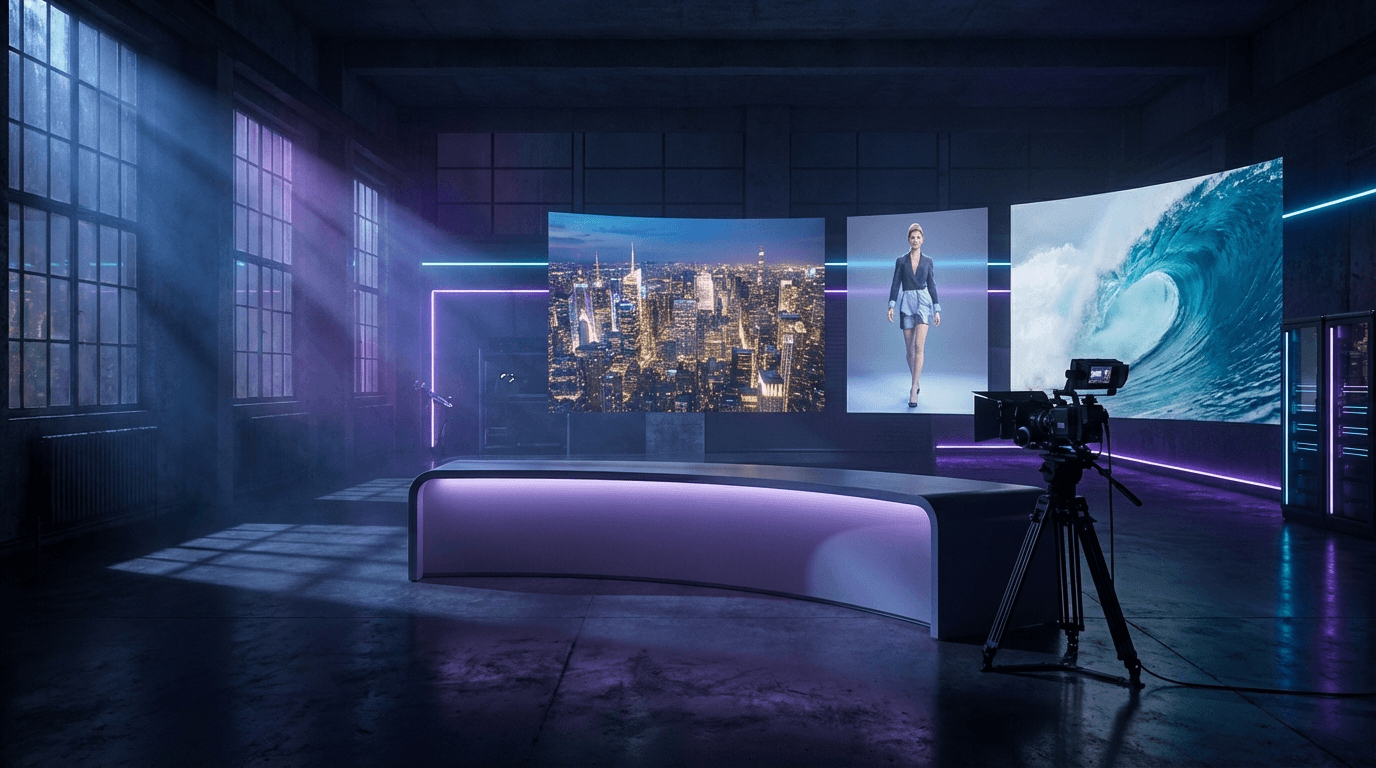
How It Works
Add an MP3 or WAV of your song, or the 15 to 60 second hook you plan to use for Shorts and Reels.
Describe each shot, or start from a consistent AI performer so the artist looks the same across scenes.
Render clips synced to the audio, arrange them on the canvas and export an MP4 in 9:16 or 16:9.
See the quality first
This sample was rendered with ByteDance Seedance 2.5 from a single storyboard frame. In the studio you can animate your own key frames, test the motion on a short draft, then sync the winners to your track.
Rendered with ByteDance Seedance 2.5 from one still frame. Video runs in the studio on credits: pick Seedance 2.5, Kling 3.0, Veo 3.1 or Wan 3.0 and see the exact cost before you generate.
Open the video studioVideo generation uses credits, and the cost is shown before every render.
Features
Alibaba Wan 2.7 accepts an audio track and times movement to it, so performances feel live.
ByteDance Seedance 2.5 generates 4 to 30 second scenes with native audio and up to 30 reference images.
Create an AI artist once and keep the same face, outfit and style across every scene.
Plan shots in the canvas, generate them in one pass and assemble the cut without leaving the browser.
Export 9:16 for TikTok, Reels and Shorts, or 16:9 for YouTube.
Add a singing performance with InfiniteTalk lip sync driven by your vocal track.
Gallery
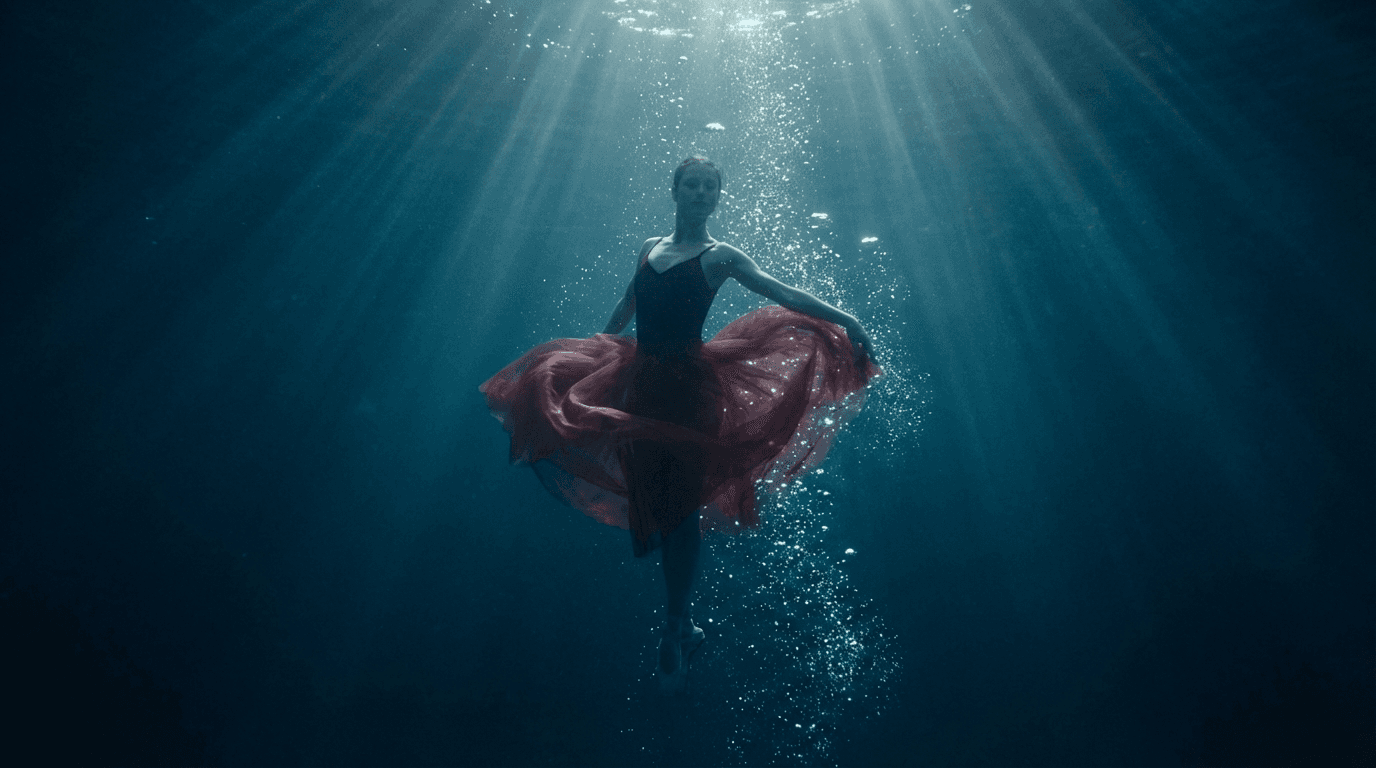
AI video frame of a dancer underwater
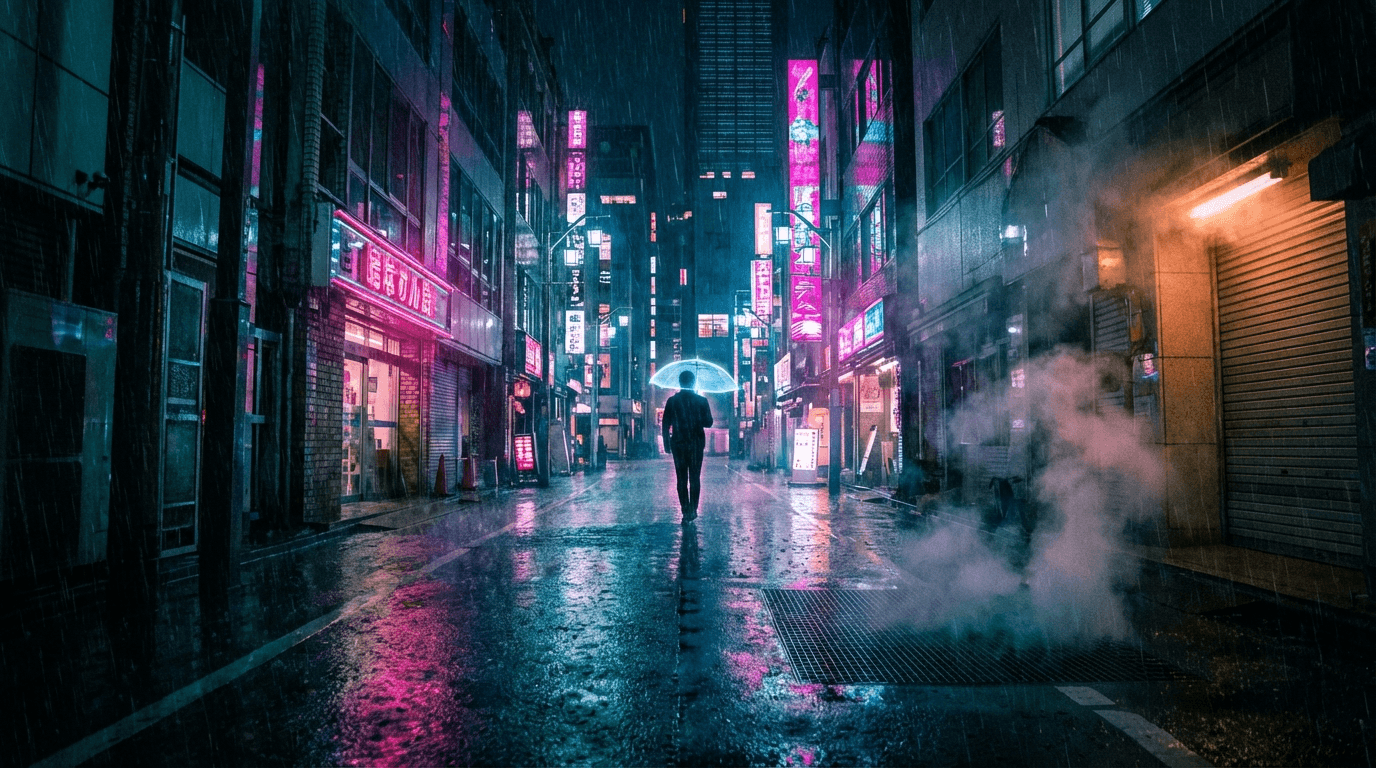
AI video frame of a neon-lit city street at night
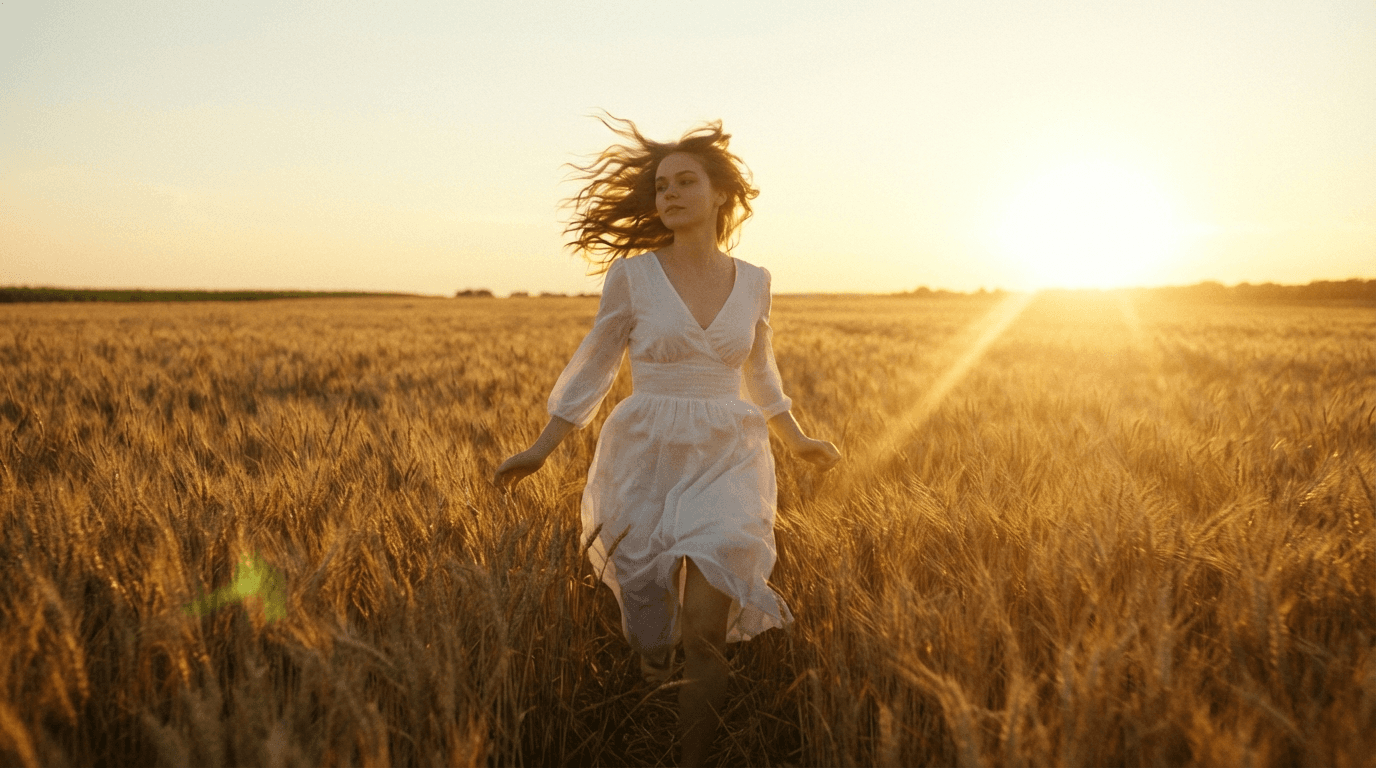
AI video frame of a woman walking through a wheat field at golden hour
From track to finished cut
The hard part of an AI music video is not one great shot, it is twenty shots that look like the same film. Build the performer once, storyboard the scenes, then render them with models that respect your audio timing.
Alibaba Wan 2.7 takes your track as input and times movement to it.
ByteDance Seedance 2.5 renders 4 to 30 second clips with native audio and up to 30 references.
InfiniteTalk lip sync animates the performer's mouth to your recorded vocal.
Practical workflow
Save an AI influencer as your artist so every scene shares one identity.
Write a shot list, generate stills for each beat and lock the look.
Animate each still with audio input or native audio, matching the section of the track.
Arrange clips on the canvas, add the master track and export MP4 in 9:16 or 16:9.
Only upload music you own or have licensed. AI output varies between runs; review timing and identity before publishing.





Trusted by over 300,000+ creators
Testimonials
Tried this on a whim last week and honestly can't stop using it. Made my first AI influencer for Instagram — the photos look scarily real. The lip sync feature is insane for reels, getting me way more engagement than I expected.

“Was messing around with Stable Diffusion for months trying to get consistent faces. This does it in like 2 clicks. The image quality is seriously good for what you pay.”

“Created a fitness influencer and the motion control feature is what hooked me. She can actually do workout demos and it looks real. My TikTok blew up with the exercise videos.”
“I've tried a bunch of AI image tools as a developer. The character consistency here is genuinely impressive — same face across every clip without me having to fiddle. Using it for a tech review character on YouTube Shorts and it works way better than expected.”
“Started with one character just for fun, now I'm running three different ones. Each has their own look and personality. The video models keep getting better with every update too.”

FAQ
Open the studio, upload a track and start generating synced scenes with a performer who looks the same in every shot.
Start creating in minutes · Pay as you go