Turn Claude into your brand's AI influencer.
Every brand needs more content in 2026. Give Claude one brief and create consistent posts, UGC, and reels with the same AI creator—without switching tools.
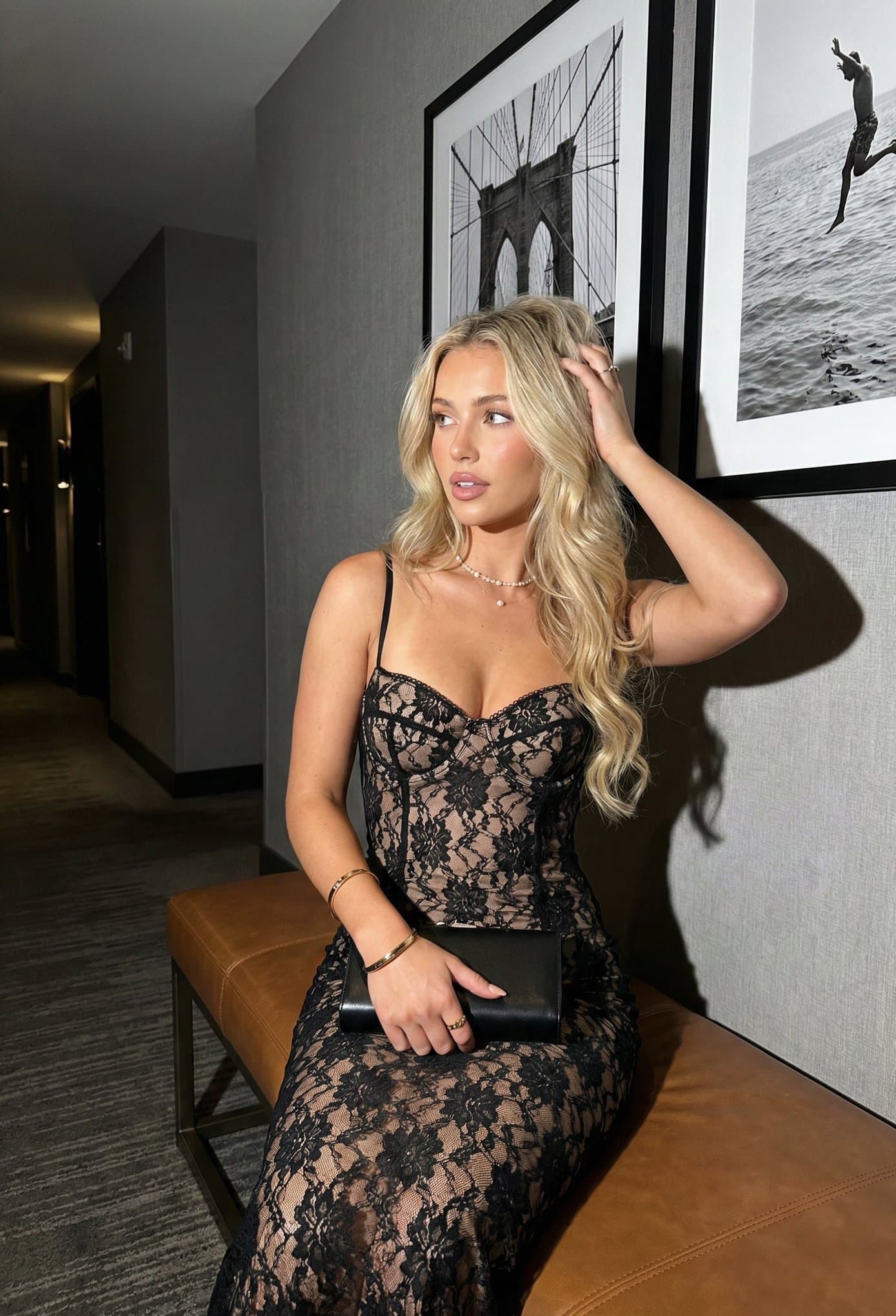 Brand deal
 Lifestyle
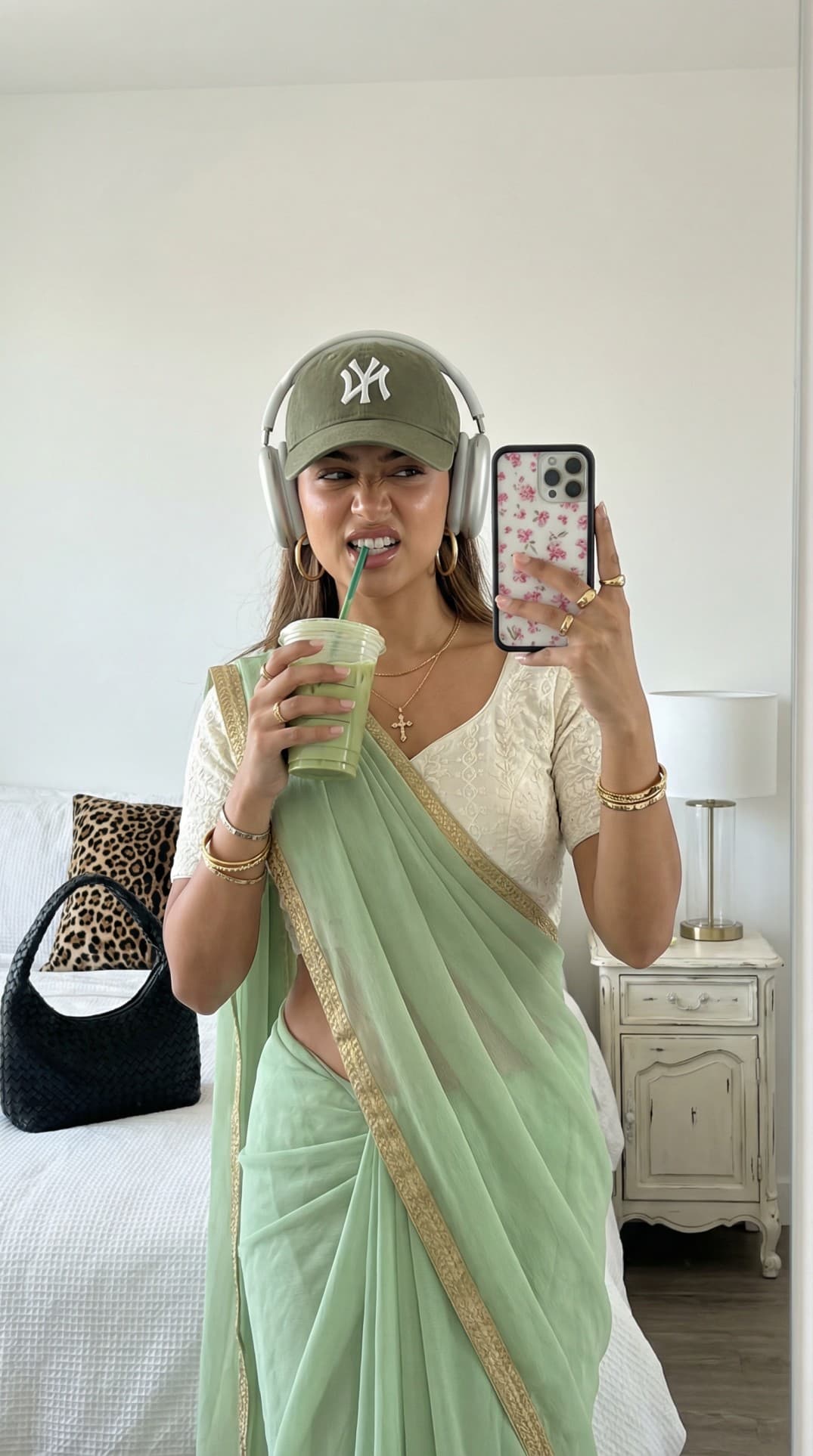 Niche
NicheClaude stops describing the work and starts making it.
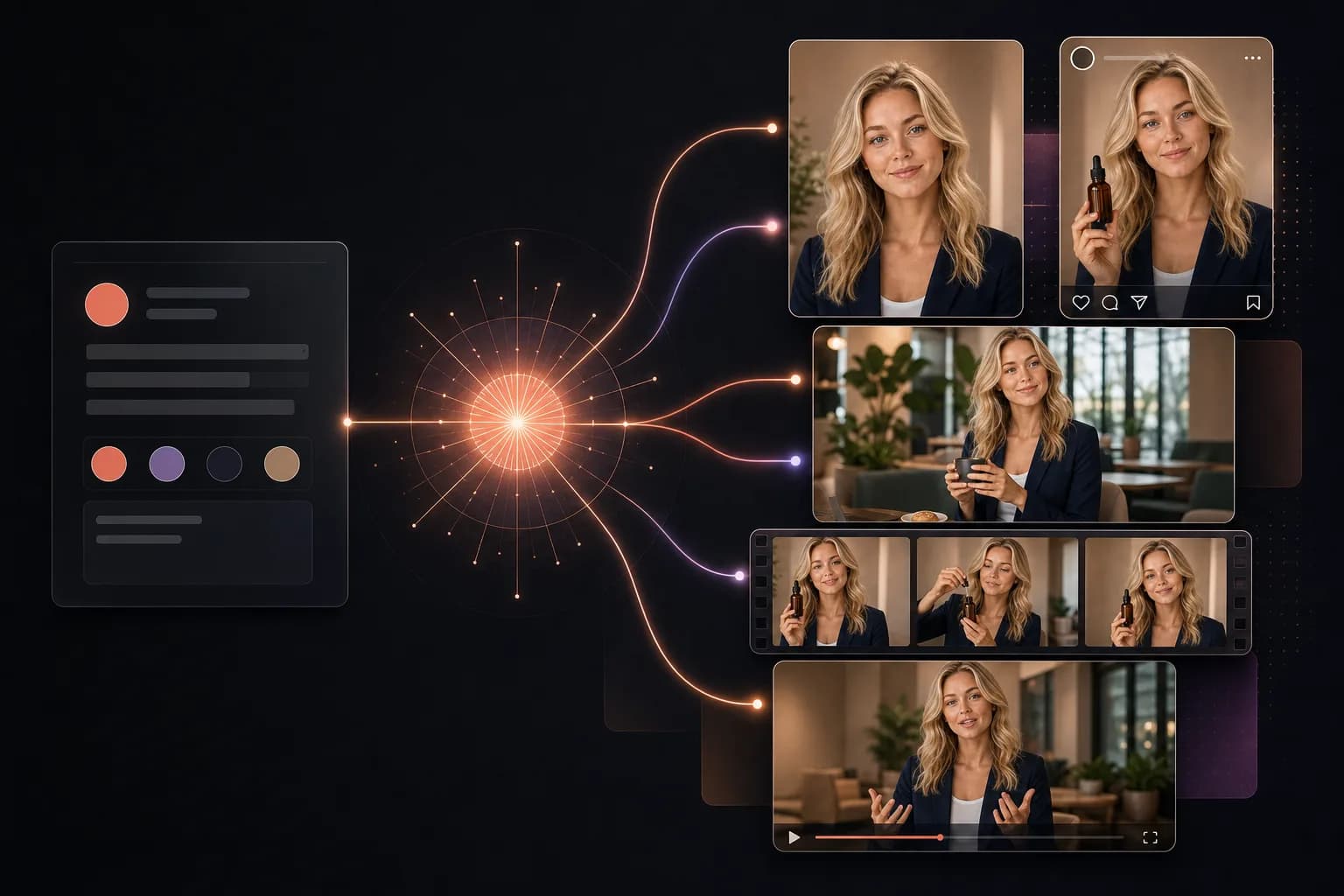
Without the connector, you get ideas and a shot list. With MakeInfluencer, that same conversation can call the image and video tools that produce the campaign.
Without MakeInfluencer MCP
“Here is a campaign plan, three concepts, and a suggested shot list.”
With MakeInfluencer MCP
Claude turns the brief into a campaign.
Stop scrolling
Build the AI influencer your brand needs.
Sign up, create your influencer, and turn one brief into a repeatable content engine. No demo call. No waitlist.
Create free accountFree to sign up · Plans from $39/month · Cancel anytime
The workflow changes. The character stays consistent.
“Tried this on a whim last week and honestly can't stop using it. Made my first AI influencer for Instagram—the photos look scarily real. The lip sync feature is insane for reels.”

“The character consistency is genuinely impressive—same face across every clip without me having to fiddle. I'm using it for a tech review character on YouTube Shorts.”

“Started with one character just for fun, now I'm running three different ones. Each has their own look and personality.”

Prompt library
Setup in 60 seconds
https://www.makeinfluencer.ai/api/mcpFor Cursor: Get a personal API key from Settings → Connections.
How do I connect MakeInfluencer.ai to Claude?
In Claude, open Settings → Connectors → Add custom connector and paste the server URL https://www.makeinfluencer.ai/api/mcp. Sign in with your MakeInfluencer.ai account and approve. The whole setup takes about 60 seconds.
Can I use it in Cursor or scripts instead of Claude?
Yes. Cursor, Claude Desktop, and custom scripts connect with a personal API key from Settings → Claude/MCP, using the same server URL as a Bearer token.
What can I do from a Claude conversation?
Use a saved AI influencer for consistent character generation, create images and videos, upload reference assets, check credits, and browse generation history — all without leaving the chat.
Which AI models are available?
The connector exposes the current MakeInfluencer image and video model catalog, including GPT Image 2, Nano Banana, Seedream, Sora 2, Veo 3.1, Kling, and Seedance. Claude can inspect the catalog before generating.
Is the connection secure?
Yes. Connections use OAuth, API keys are hashed at rest and revocable anytime, and usage is rate-limited per account (120 requests and 20 generations per minute).