Choose by task
Use different models for photorealism, prompt accuracy, reference-image editing, speed, or cost.
Generate photorealistic images from prompts or references, keep characters consistent, and refine campaign assets with specialist AI models in one platform.
How It Works
Write a text prompt describing exactly what you want to see.
Select from 10+ models and adjust resolution, style, and other settings.
Generate your image, then refine it with our editing tools.
Features
Use GPT Image, Nano Banana, Qwen, Dreamina, Z-Image, and other models for different creative tasks.
Choose the aspect ratio, resolution, and output format supported by the selected model, then upscale when needed.
Change clothing, accessories, and styling on any generated or uploaded image.
Adjust expressions and refine facial features of your AI persona with AI precision.
Replace or modify backgrounds while keeping your subject perfectly intact.
Describe changes in plain English — our AI understands and applies them.
Gallery
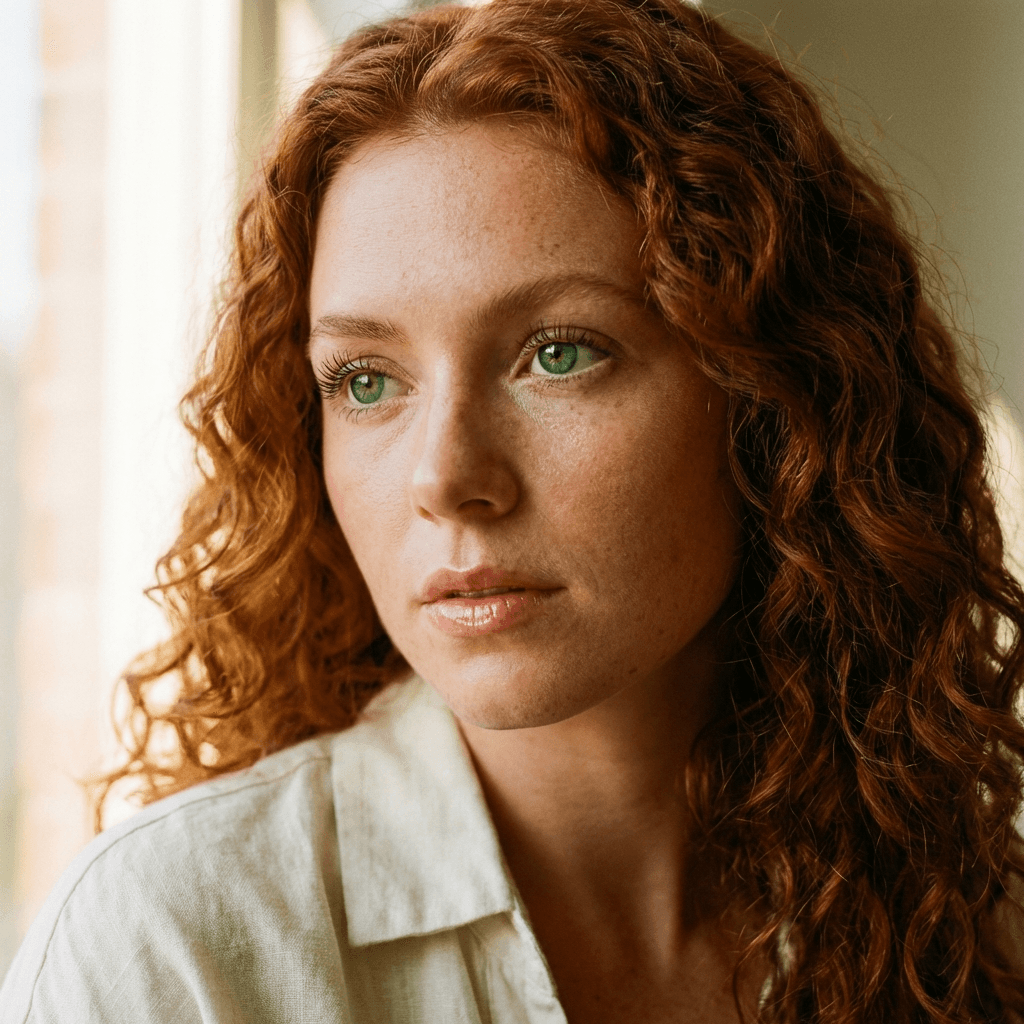
AI generated portrait with red hair and freckles
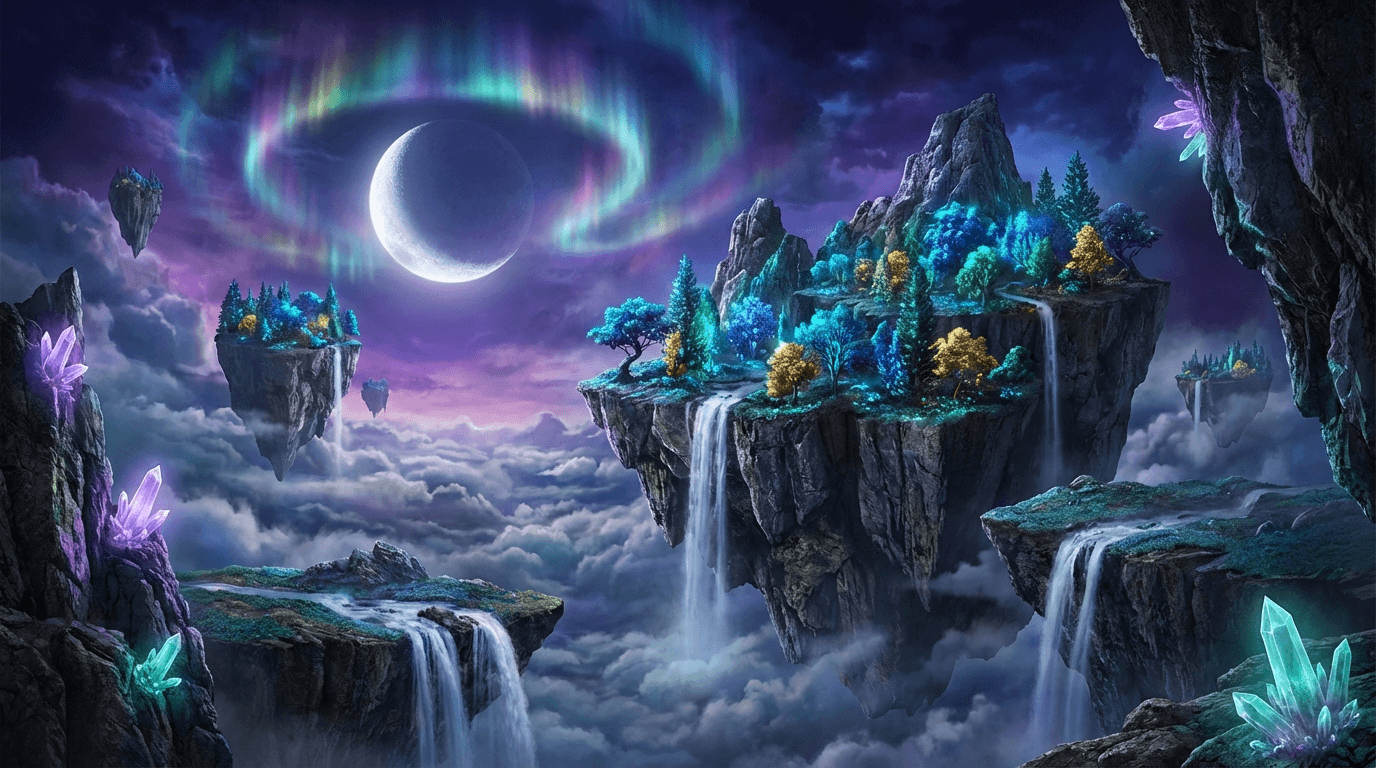
AI generated fantasy floating islands landscape
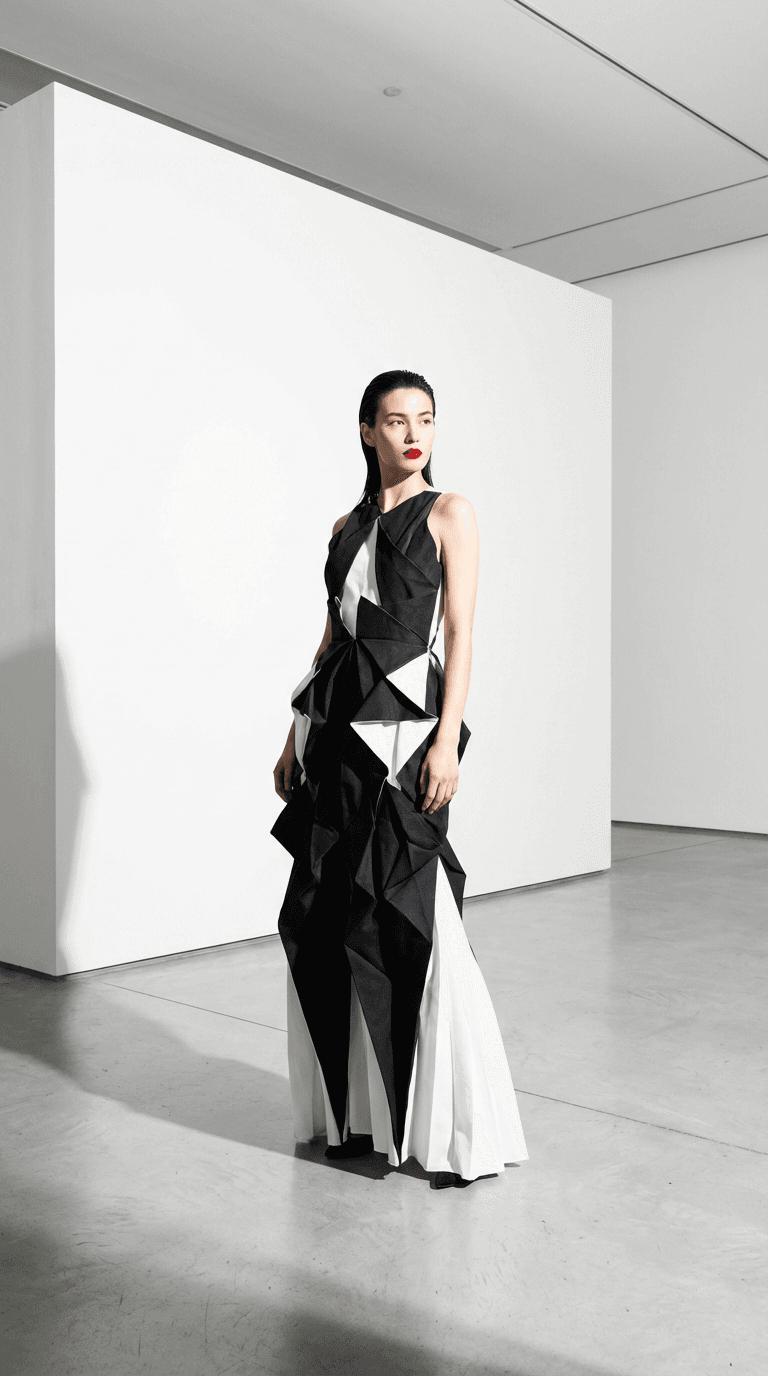
AI generated fashion editorial photography
Photorealistic AI image workflow
Generate from a prompt, use reference images when a model supports them, and keep the same creator identity across a campaign. MakeInfluencer combines specialist image models with editing, reusable AI influencers, asset storage, and a direct path from still image to video.
Use different models for photorealism, prompt accuracy, reference-image editing, speed, or cost.
Create an AI influencer once, then generate new scenes, outfits, and campaign assets around that identity.
Send a finished image into image-to-video, motion-control, or lip-sync workflows without rebuilding the asset stack.
Practical workflow
Choose the channel, aspect ratio, subject, setting, lighting, and visual goal before writing the prompt.
Compare model fields and preview the credit cost before generating. Use references only when the selected model supports them.
Check identity, hands, text, product details, and composition. Keep the strongest output in your library.
Refine the winner, create campaign variations, or turn it into a video from the same dashboard.
AI output can vary between runs. Review every asset for factual details, brand accuracy, usage rights, and the rules of the platform where you plan to publish it.





Trusted by over 300,000+ creators
Testimonials
Tried this on a whim last week and honestly can't stop using it. Made my first AI influencer for Instagram — the photos look scarily real. The lip sync feature is insane for reels, getting me way more engagement than I expected.
“Was messing around with Stable Diffusion for months trying to get consistent faces. This does it in like 2 clicks. The image quality is seriously good for what you pay.”
“Created a fitness influencer and the motion control feature is what hooked me. She can actually do workout demos and it looks real. My TikTok blew up with the exercise videos.”
“I've tried a bunch of AI image tools as a developer. The character consistency here is genuinely impressive — same face across every clip without me having to fiddle. Using it for a tech review character on YouTube Shorts and it works way better than expected.”
“Started with one character just for fun, now I'm running three different ones. Each has their own look and personality. The video models keep getting better with every update too.”
FAQ
Choose a model, preview the credit cost, and create your first campaign-ready image.
Start creating in minutes · Pay as you go