An AI host can give a YouTube channel a familiar face and voice. The channel still needs a reason to exist: an explanation viewers cannot find elsewhere, a distinctive story, or a useful demonstration.
Before making an entire season, produce one complete pilot. Research it, write it, edit it, make a thumbnail, and watch the finished export. That exercise tells you more about the workload than a folder full of character portraits.
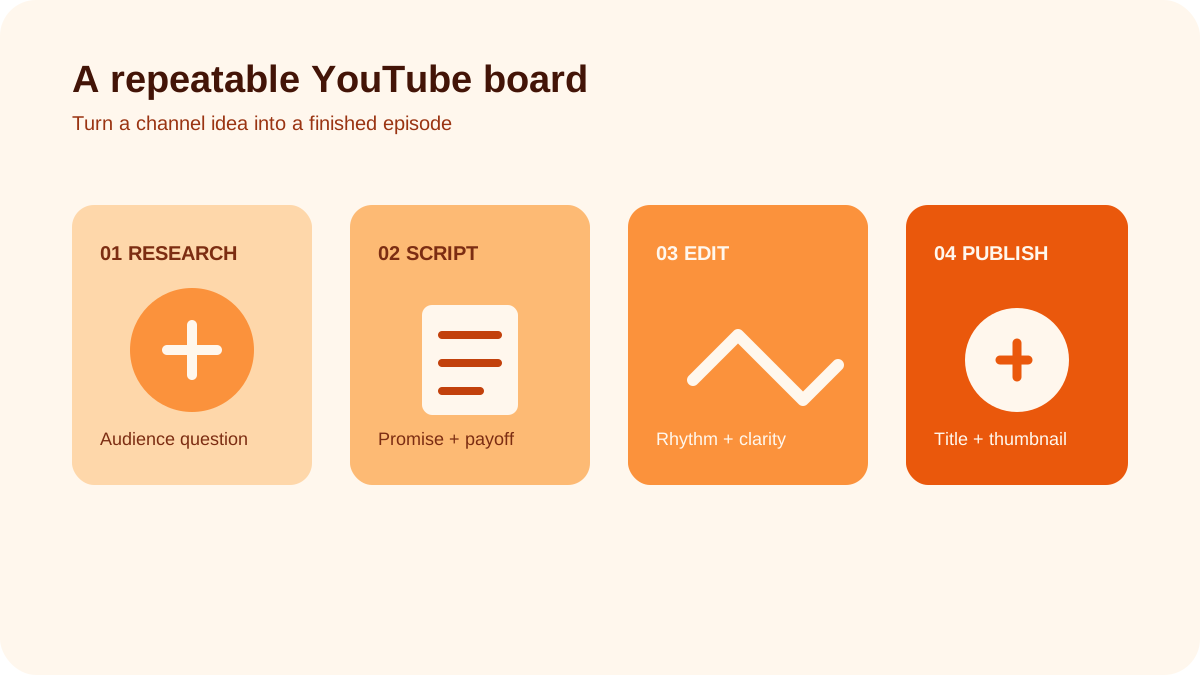
Decide what the host adds
A virtual presenter is useful when it connects sections, explains a concept, or gives a fictional series a consistent personality. It is less useful when it occupies the screen while viewers need to see a tool, document, or example.
For a design channel, the host might introduce a problem and explain the choices around a worked example. For fiction, it might narrate a clearly invented world. Avoid building a channel around fabricated first-person experience: a generated presenter has not tested a mattress, visited a restaurant, or used a skincare routine.
Write an audience promise you could apply to ten different episodes. “We explain one small-space design decision with a worked example” is more useful than “AI lifestyle videos.”
Build a small host kit
Save an approved portrait, a wider shot, a voice sample, pronunciation notes, and a short style brief. Include the character's apparent adult age, speaking pace, vocabulary, and visual boundaries.
Test the host in motion before committing to a long script. Look for unstable facial features, distracting mouth movement, and gestures that become repetitive. The consistent character workflow is a useful starting point.
Keep the settings and source files with the episode. If you need to replace one sentence later, you should be able to reproduce its sound and framing.
Outline the pilot around evidence
Start with a viewer question, then gather the material needed to answer it. A simple episode structure is:
- Show the problem and the result you will work toward.
- Explain the first decision with a visible example.
- Compare an alternative and explain the tradeoff.
- Show the finished result and its limitations.
- Point to a genuinely relevant next question.
Use the length the explanation needs. Do not stretch a short idea to chase a supposed ideal runtime. Mark every factual claim that needs checking, and keep source links in your research notes and description where useful.
A fictional room rendering can illustrate a layout idea. It cannot establish that a particular sofa fits unless the dimensions have actually been checked. Make that distinction clear in both script and visuals.
Produce the voice before the host footage
Read the script aloud, correct awkward phrasing, and approve pronunciation. Then create the voice track using a voice you have permission to use. Listen to the whole recording before generating lip-sync footage.
Break the host's performance into short sections. Add screen recordings, original diagrams, close-ups, or licensed footage wherever they explain the point better. The editing should follow the argument; constant motion is not a substitute for one.
Check captions, music levels, visual continuity, and whether each clip's rights cover your intended use. Save a clean master without platform-specific graphics so you can make shorter versions later.
Package the video honestly
The title should name the question or result. The thumbnail should show something the episode actually discusses. If the thumbnail promises a finished room makeover, the video needs to deliver that explanation rather than a sequence of unrelated generated interiors.
A Short can demonstrate one useful part of a longer episode, but it should make sense on its own. Simply cropping a horizontal video may cut off the evidence or leave the viewer without context.
Disclose AI use and understand monetization
Explain that the host is virtual in the channel description. For realistic synthetic scenes or meaningful realistic alterations, follow YouTube's AI disclosure guidance during upload.
AI use alone does not settle whether a channel can earn revenue. YouTube's channel monetization policies address originality and inauthentic, repetitive, or mass-produced content. Review those rules before treating advertising income as part of a business plan. A synthetic host does not turn copied scripts into original work.
Review the pilot before planning a season
Ask someone unfamiliar with the topic what they learned and where they got lost. After publication, compare the title's promise with viewer comments and available retention data. A dip around a long introduction is worth investigating; one chart cannot tell you every reason people left.
Also record production hours and revision time. A sustainable channel needs enough capacity for research, editing, and corrections, not just generation.
Frequently asked questions
Must the host appear throughout the video?
No. Show the material viewers need to understand. The host can appear only at useful transitions.
Can an AI channel be monetized?
Potentially, if it meets the applicable program and content requirements. Neither AI disclosure nor a subscriber milestone guarantees approval or income.
What is the best first milestone?
One complete episode you can stand behind, followed by a second that improves on a specific weakness in the first.