Lip Sync is MakeInfluencer.ai's talking video pipeline. It takes a single portrait image and transforms it into a realistic video where your AI influencer appears to speak -- with accurate mouth movement, natural facial expressions, and perfect audio synchronization. Videos can be up to 10 minutes long, making this one of the most powerful features for content creators who need talking head videos at scale.
Whether you are creating YouTube explainer videos, course content, testimonials, product reviews, or social media clips, Lip Sync eliminates the need for cameras, microphones, teleprompters, and on-camera talent entirely.
Why Lip Sync Matters for AI Influencers
Video content drives the highest engagement across every major platform. But there is a specific type of video that outperforms all others for building trust and audience loyalty: the talking head video. When your AI influencer speaks directly to the camera, viewers form a personal connection that static images simply cannot create.
The problem has always been production. Filming talking head videos requires a camera, lighting, a quiet room, scripting, teleprompter setup, and often multiple takes. Lip Sync removes every one of those barriers. You write a script, pick a voice, and the system generates a finished video in minutes.
Key Advantages
Up to 10 Minutes
Generate long-form talking videos from a single image. Enough for full YouTube videos, course modules, and detailed reviews.
Script or Custom Audio
Write text and let AI generate the voice, or upload your own audio recording for precise control.
Identity Preservation
Your influencer's face stays consistent throughout the entire video. No drift, no distortion.
Natural Expressions
The AI animates more than just the mouth -- eyebrow movement, head tilts, and subtle expressions add realism.
Multiple Resolutions
Choose 480p for quick drafts and social media or 720p for polished final content.
Any Language
Upload audio in any language. The lip sync matches mouth movement to whatever audio you provide.
How Lip Sync Works
The Lip Sync pipeline combines several AI technologies in sequence:
- Face Detection and Mapping -- The system identifies the face in your input image and creates a detailed mesh of facial landmarks.
- Audio Analysis -- Your script is converted to speech (or your uploaded audio is analyzed) to extract phoneme timing -- the specific mouth shapes needed for each sound.
- Expression Synthesis -- The AI generates frame-by-frame facial animations that match the audio, including jaw movement, lip shape, blink patterns, and head micro-movements.
- Video Rendering -- All frames are compiled into a smooth video with the original image's appearance, clothing, and background preserved throughout.
The result is a video that looks like your AI influencer recorded themselves speaking -- even though the source material was a single still image.
Step-by-Step: Creating Your First Lip Sync Video
Step 1: Prepare Your Portrait Image
The quality of your input image directly determines the quality of your output video. Follow these guidelines for the best results.
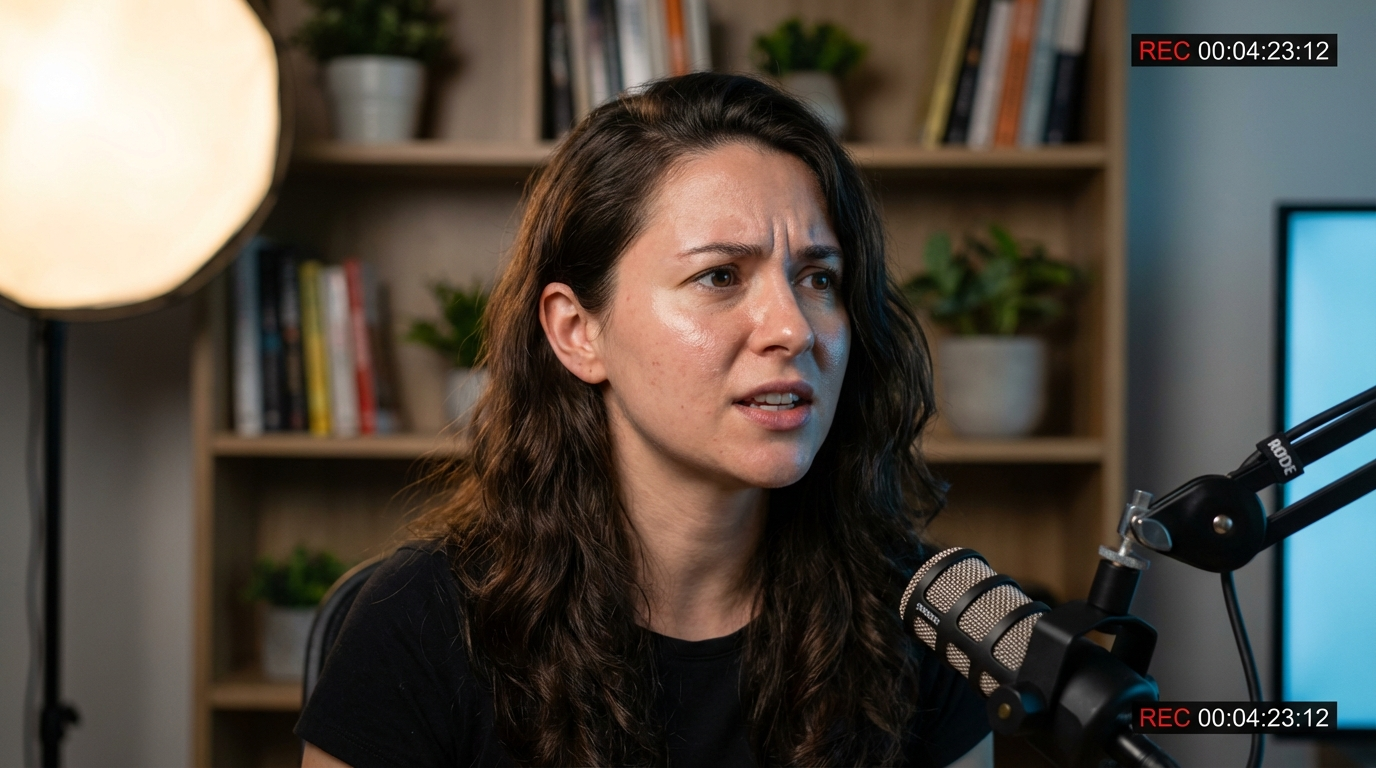
Image Requirements:
- Portrait or half-body shot -- The face should be clearly visible and take up a significant portion of the frame.
- Front-facing or slight angle -- Extreme side profiles or unusual angles reduce lip sync accuracy.
- Good lighting -- Even, well-lit faces produce the smoothest animations. Avoid harsh shadows across the mouth area.
- Clear, sharp face -- Blurry or low-resolution faces result in lower quality output.
- Neutral or slight expression -- Starting from a natural resting expression gives the AI the most flexibility.
Best Image Sources
Use images generated with Nano Banana Pro, GPT Image 1, or Flux Pro on MakeInfluencer.ai. These models produce the clean, high-resolution portraits that work best with Lip Sync. If you need to create the perfect portrait first, see the best AI models for image generation guide.
Step 2: Navigate to Lip Sync
Go to your dashboard and click the Video tab. Select the Talking sub-tab. This opens the Lip Sync generation interface.
You will see two main input areas: the image upload section and the audio configuration section.
Step 3: Choose Your Audio Method
Lip Sync supports two methods for audio input. Choose the one that fits your workflow.
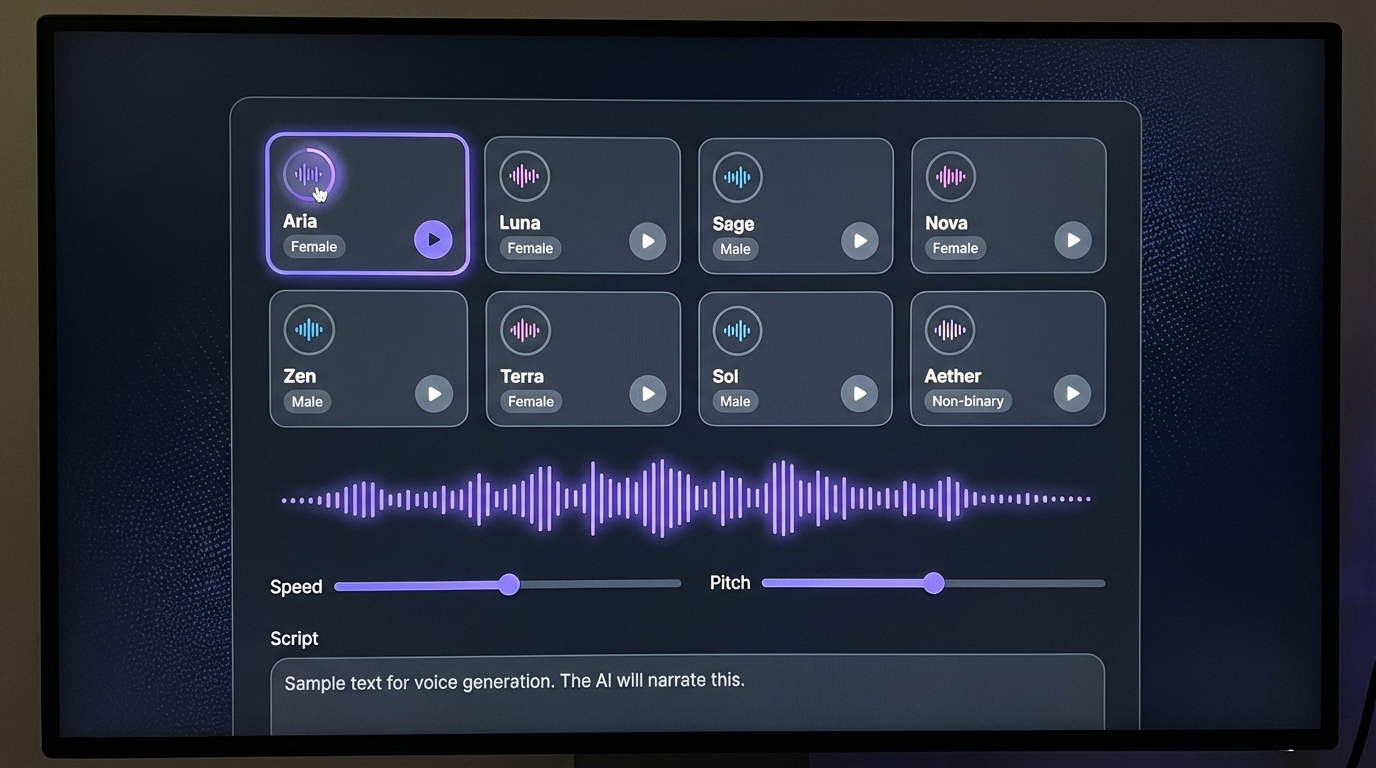
Option A: Generate From Script (AI Voice)
This is the fastest method. Write or paste your script directly into the text field, then select an AI voice from the available options.
- Write your script -- Type or paste the exact words you want your influencer to say.
- Select a voice -- Browse the AI voice library and preview voices to find one that matches your influencer's personality. Consider gender, tone, accent, and energy level.
- Duration estimate -- The system automatically estimates video duration based on word count. At typical speech rates, approximately 1,800 words equals 9-10 minutes.
Option B: Upload Your Own Audio
For maximum control, record or source your own audio file and upload it.
- Supported formats -- MP3 and other common audio formats.
- Recording tips -- Use a quiet environment with minimal background noise. Clean audio produces significantly better lip sync accuracy.
- Language flexibility -- Upload audio in any language. The lip sync system matches mouth shapes to the audio waveform regardless of language.
- Duration -- The video length matches your audio file length, up to the 10-minute maximum.
Script Writing Tips
Write conversationally. Lip sync videos look most natural when the script sounds like someone talking, not reading. Use contractions, short sentences, and natural pauses. Break long explanations into digestible segments with clear transitions.
Step 4: Configure Settings and Generate
Before generating, configure your output settings.
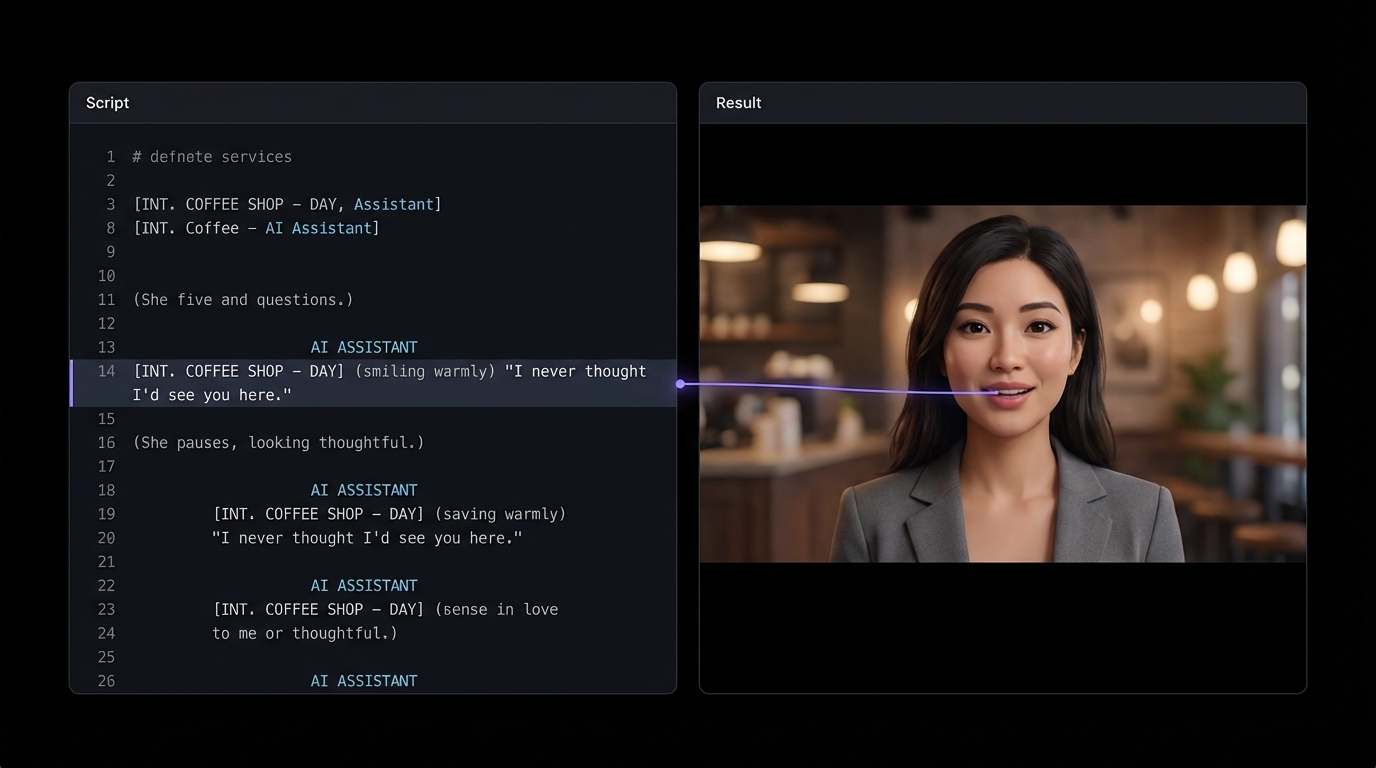
Resolution Options:
- 480p -- Faster generation, lower credit cost. Ideal for drafts, testing scripts, and social media stories where full resolution is unnecessary.
- 720p -- Higher quality output. Best for final content destined for YouTube, course platforms, or any context where clarity matters.
Once configured:
- Upload your portrait image
- Enter your script or upload audio
- Select resolution
- Click Generate
- Wait for processing (longer videos take more time)
- Preview the result and download
Best Practices for Professional Results
Image Optimization
The single biggest factor in Lip Sync quality is your input image. These details make a measurable difference:
- Resolution -- Use the highest resolution portrait available. Minimum 512px on the shortest side, but 1024px+ is ideal.
- Face size -- The face should occupy at least 30% of the image frame. Distant full-body shots do not lip sync well.
- Lighting consistency -- Flat, even lighting on the face produces the cleanest animations. Ring lights and softbox-style lighting work best.
- Background -- Simple backgrounds keep the focus on the face and reduce rendering artifacts. Solid colors or subtle bokeh work well.
Script and Voice Selection
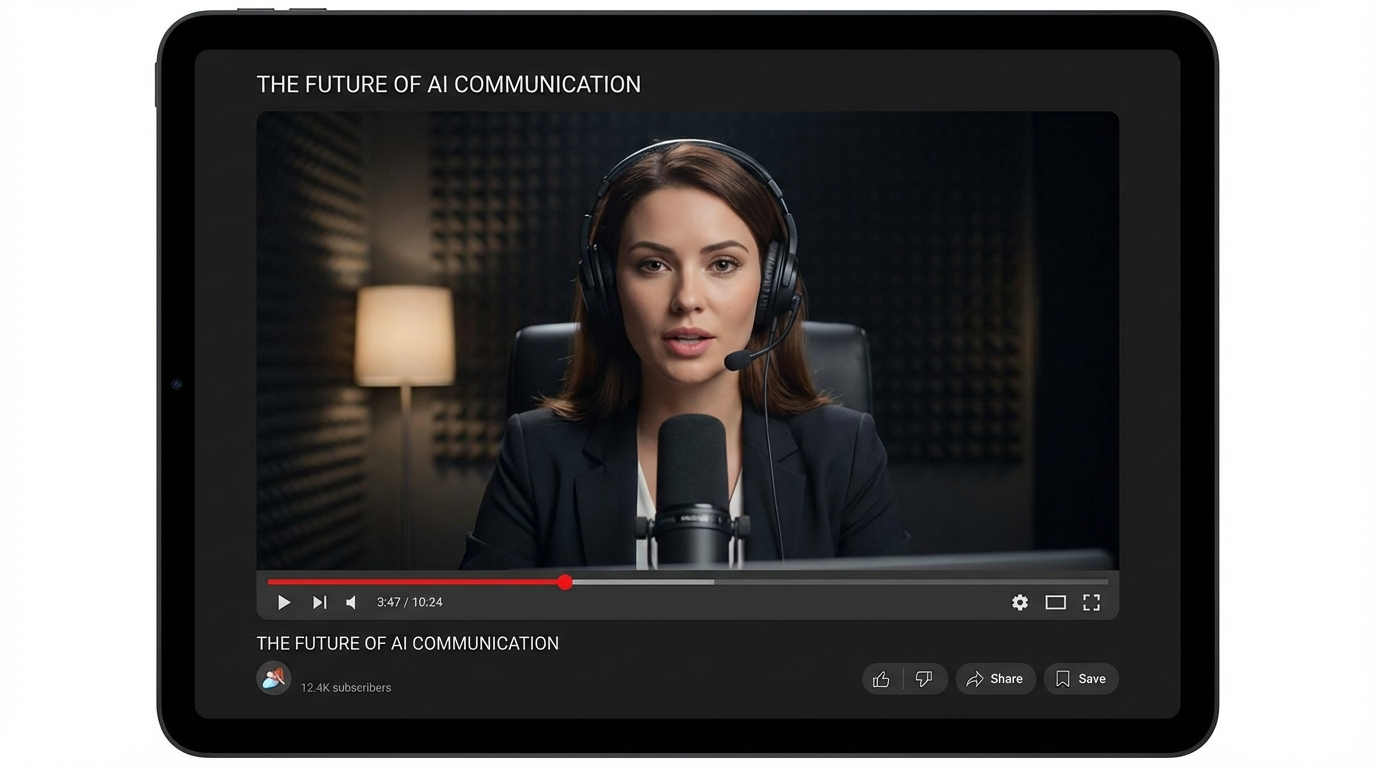
Your script directly impacts how natural the final video feels:
- Pace your content -- Average speaking speed is 130-150 words per minute. Write to this pace for natural delivery.
- Use natural language -- Avoid jargon, complex sentences, or academic writing. Talk like a person, not a textbook.
- Add breathing pauses -- Use punctuation (periods, commas, ellipses) to create natural pauses. A script without pauses sounds rushed.
- Match voice to persona -- If your AI influencer is a fitness coach, choose an energetic, motivating voice. If they are a meditation guide, choose something calm and measured.
Content Structure for Long Videos
For videos longer than 2 minutes, structure matters:
- Hook in the first 5 seconds -- Start with a compelling statement or question.
- Break content into segments -- Use clear topic transitions every 60-90 seconds.
- End with a call to action -- Tell viewers what to do next: subscribe, click a link, or watch another video.
Use Cases: What to Create with Lip Sync
YouTube Content
Lip Sync is ideal for faceless YouTube channels that need consistent talking head videos:
- Explainer videos -- Break down topics in your niche with your AI influencer as the presenter.
- Product reviews -- Script honest reviews and create polished video reviews without ever appearing on camera.
- News and commentary -- Create daily or weekly update videos covering trends in your industry.
- Tutorials -- Step-by-step guides presented by your AI influencer, building authority in your niche.
Course and Educational Content
Online courses command premium prices, and Lip Sync makes production trivial:
- Generate an entire course module from a single portrait and a well-written script.
- Maintain instructor consistency across all lessons -- your AI instructor looks the same every time.
- Update content easily by regenerating specific sections with revised scripts.
Social Media Clips
Short Lip Sync clips perform well on Instagram, TikTok, and Twitter/X. For strategies on maximizing reach, see the how to go viral with AI content guide.
- Motivational quotes -- 15-30 second clips of your influencer delivering inspiring messages.
- Tips and advice -- Quick tips in your niche that provide value and drive followers.
- Engagement posts -- Ask questions or respond to trends to drive comments and shares.
- Announcements -- Share news, launch products, or promote content with a personal video message.
Testimonials and Brand Content
Brands increasingly use AI-generated talking videos for marketing:
- Product testimonials -- Create believable, well-scripted testimonial videos.
- Explainer ads -- Script compelling product explanations and generate polished video ads.
- Multilingual content -- Record the same script in multiple languages and generate versions for different markets.
Combining Lip Sync with Other Features
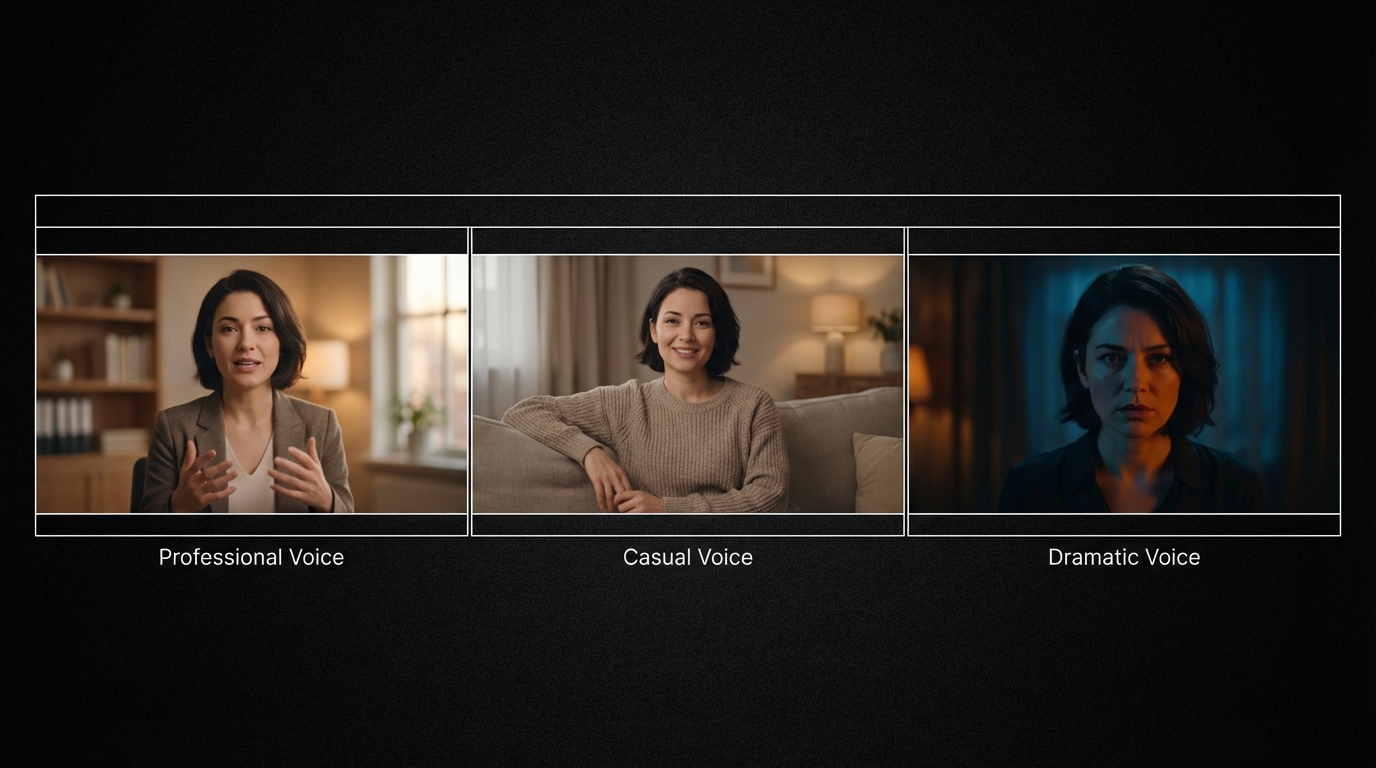
Lip Sync becomes even more powerful when combined with MakeInfluencer.ai's other capabilities.
Image Generation + Lip Sync
Generate the perfect portrait with your preferred image model, then immediately use it as the input for a Lip Sync video. This workflow lets you control every aspect: the exact pose, expression, outfit, and background of the starting frame. For help maintaining a consistent look across all your images, see the character consistency guide.
Lip Sync + Video Editing
Generate your Lip Sync video, then add it to a larger production:
- B-roll overlay -- Use the talking video as a picture-in-picture over screen recordings or product footage.
- Music and effects -- Add background music, sound effects, and transitions in your video editor.
- Multi-segment assembly -- Generate several Lip Sync clips and combine them into a longer video with cuts and transitions.
Motion Control + Lip Sync
For maximum engagement, create a Motion Control dance or movement video, then follow up with a Lip Sync video where your influencer "talks about" the content. This combination of dynamic and conversational content keeps audiences engaged across formats.
Credit Costs and Duration Planning
Lip Sync credits scale with video duration and resolution. Plan your content budget accordingly.
Lip Sync Credit Costs
Cost Optimization
Draft and test your scripts at 480p first. Once you are satisfied with the content and pacing, regenerate the final version at 720p. This saves credits during the iteration phase.
Troubleshooting Common Issues
Lip Sync Looks Off
- Check your image -- Ensure the face is front-facing, well-lit, and occupies a large portion of the frame.
- Audio quality -- Background noise or music in uploaded audio confuses the lip sync algorithm. Use clean voice recordings.
- Try a different portrait -- Some images work better than others. Generate a new portrait with more direct lighting and a neutral expression.
Video Quality is Low
- Use 720p -- If you generated at 480p, regenerate at 720p for sharper output.
- Higher resolution input -- Use a larger, higher-quality source image.
- Simpler background -- Complex backgrounds can reduce face rendering quality.
Script Sounds Unnatural
- Change the AI voice -- Different voices handle different scripts better. Test 2-3 options.
- Shorten sentences -- Long, complex sentences sound robotic. Break them into shorter, conversational phrases.
- Add punctuation -- Commas and periods create natural pauses that improve delivery.
Frequently Asked Questions
What is the maximum video length for Lip Sync?
Lip Sync supports videos up to approximately 10 minutes long. This is based on either script word count (around 1,800 words at natural speaking pace) or uploaded audio duration. For longer content, generate multiple clips and combine them in a video editor.
Can I use my own voice recording instead of AI voices?
Yes. You can upload your own audio file (MP3 or other supported formats) and the system will lip sync your portrait to your recording. This gives you complete control over voice, pacing, tone, and delivery.
Does Lip Sync work with any language?
Yes. When using the upload audio option, the lip sync system analyzes the audio waveform to determine mouth shapes, which works regardless of language. You can create talking videos in English, Spanish, Japanese, Hindi, or any other language.
How do I get the most realistic results?
Use a high-resolution, front-facing portrait with even lighting and a neutral expression. Write scripts that sound conversational rather than formal. Choose an AI voice that matches your influencer's personality. Generate at 720p for the sharpest output.
Can I use Lip Sync videos commercially?
Yes. Videos generated on MakeInfluencer.ai can be used for commercial purposes including YouTube monetization, course content, brand deals, social media marketing, and product promotions. For monetization strategies, see the make money with AI influencers guide.
Does Lip Sync support ?
Lip Sync is primarily designed for safe-for-work content. The focus is on talking head videos for content creation, education, and marketing. Check the platform's current guidelines for specific content policy details.
Start Creating Talking Videos Today
Lip Sync transforms a single image into minutes of professional talking video content. No camera, no studio, no teleprompter -- just your script and your AI influencer's face.
The creators getting the most value from Lip Sync are those producing consistent video content for YouTube, social media, and online courses. If you are building an AI influencer brand, talking videos are how you build the deepest audience connections.
Create your account and generate your first Lip Sync talking video today.