There is no single best free AI influencer generator. Free tools are useful for testing a character, but the limits that matter—reference images, privacy, usage rights, queues, and generation credits—vary by product and change often.
For an early prototype, start with the tool whose free tier lets you make enough images to test identity consistency. Do not choose on image quality alone. A beautiful one-off portrait is not yet a usable virtual influencer.
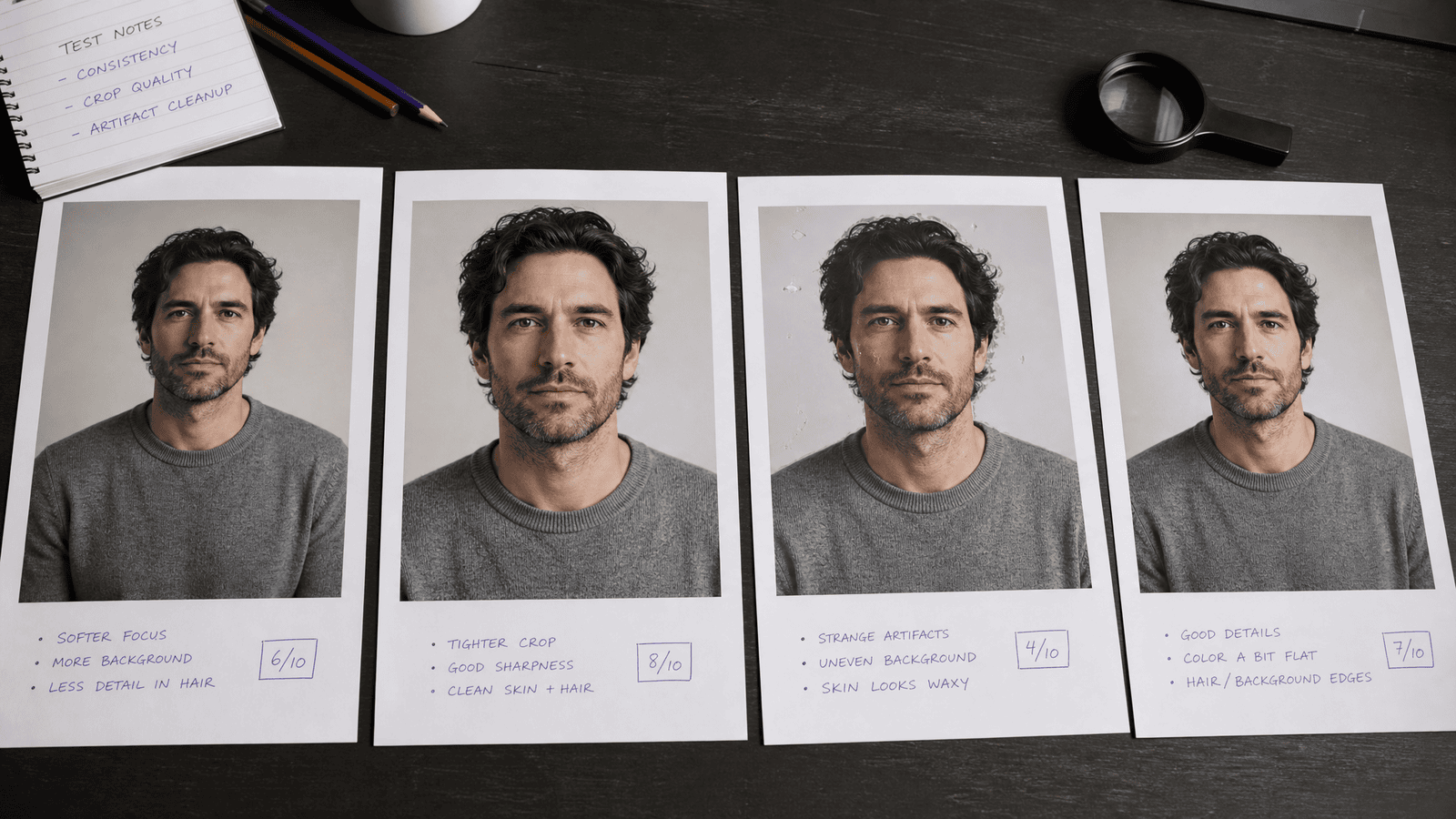
Free-tier details below were checked on September 3, 2026. Confirm the current pricing and terms before relying on them.
A short, useful shortlist
| Tool | Free access worth knowing about | Best use | Important limitation |
|---|---|---|---|
| Leonardo.Ai | Its pricing page lists a free plan with daily tokens | Reference-led image experiments and visual styles | Free creations are public; token costs vary by feature |
| Bing Image Creator | Free with a Microsoft account, with a daily fast-generation allowance | Quick concept art and prompt exploration | Review Microsoft's current terms before commercial use |
| Canva AI tools | Some AI generation is available to free accounts | Turning a concept into a social layout | Access and quotas depend on the feature and account |
These are general image tools, not complete influencer operations. Character storage, controlled editing, private generations, video, and higher-volume production may require a paid plan or a more specialized workflow.
What “free” actually means
The label can describe several different offers:
- A permanent plan with a recurring allowance
- A limited number of new-account credits
- A temporary trial that later requires payment
- Free generation with public outputs or slower queues
- Free creation but paid downloads, editing, privacy, or commercial features
Treat the pricing page and terms as part of the product. If a comparison article gives an exact quota without a date or source, assume it may already be stale.
The five tests that matter
1. Can it repeat the same identity?
Create one neutral reference portrait, then request six ordinary scenes: indoors, outdoors, sitting, full-body, side angle, and different lighting. Compare face shape, eye spacing, hairline, skin details, and any distinctive features.
A tool that produces one excellent image and five different people is useful for mood boards, not a recurring character.
2. Can you correct a near miss?
Look for reference-image support, inpainting, regional editing, or a reusable character model. Without correction tools, every small mistake forces a complete regeneration and burns through a free allowance quickly.
3. Are the outputs large and clean enough?
Inspect the downloaded file at full size. Check hands, teeth, earrings, text, reflections, background faces, and object edges. Social platforms can hide defects in a feed preview and reveal them again when someone zooms or reuses the asset.
4. What happens to your uploads and outputs?
Some free plans make generations public or use different privacy defaults. Do not upload a person's photo unless you have permission, and do not assume a free workspace is private. Read the current privacy and data-use terms.
5. Can you use the result for the intended purpose?
Check the provider's current terms for commercial use, client work, advertising, trademarks, and likeness rights. “You can download it” does not automatically answer every rights question.
A fair 30-minute comparison
Use the same small brief in every tool:
- Generate a neutral waist-up reference on a plain background.
- Create a café scene using that reference.
- Create an outdoor full-body scene.
- Change the outfit while keeping the identity.
- Repair one deliberate detail with an edit tool.
Score the results before choosing:
| Criterion | Weight |
|---|---|
| Identity consistency | 35 |
| Editability | 20 |
| Artifact rate | 15 |
| Rights and privacy fit | 15 |
| Speed and allowance | 10 |
| Export quality | 5 |
The weighting is intentional. For a recurring character, consistency and repairability are more valuable than getting the prettiest first image.
When a specialized tool makes sense
A general free image generator is often enough to validate a visual direction. A dedicated AI influencer generator becomes more useful when you need a saved character, repeatable workflows, image-to-video tools, or a growing production library.
Before paying, calculate the cost of an approved asset rather than the advertised cost of a generation. A cheap tool becomes expensive if most outputs drift off-character or need manual repair.
A sensible free-first workflow
- Write a one-page character brief with age, style, voice, audience, and disclosure policy.
- Prototype several visual directions with a free tool.
- Choose one identity and create a small reference sheet.
- Test six varied scenes for consistency.
- Publish nothing until you have checked artifacts, rights, and disclosure.
- Upgrade only when a specific limitation blocks the next step.
This keeps the free phase useful. You are learning whether the character works, not trying to build an entire content business around a promotional allowance.
Frequently asked questions
Can I build an AI influencer entirely with free tools?
You can prototype one and publish a small amount of content. Maintaining a consistent character at higher volume may eventually require paid generation, editing, storage, or video tools.
Which free tool is best for character consistency?
Choose based on a live test with your own reference and scenes. Feature access changes, and the result depends as much on the workflow as the model.
Are free AI images safe for commercial use?
Not automatically. Review the provider's current terms and make sure you have rights to any reference photos, logos, products, or recognizable people in the output.
Do I need video on day one?
No. A consistent set of still images and a clear editorial voice are enough to test whether the concept deserves further investment.
How should I disclose the character?
State clearly in the profile and relevant posts that the character or media is AI-generated. Follow the platform's current labeling tools and rules as well.