Video content dominates every major social media platform in 2026. TikTok, Instagram Reels, YouTube Shorts, and LinkedIn have all shifted toward video-first algorithms. The challenge for most creators is that producing high-quality video consistently requires expensive equipment, dedicated studio space, and on-camera talent.
AI video generation eliminates those barriers entirely. With MakeInfluencer.ai, you can create professional-quality videos from a single image -- no camera, no studio, no actors, no editing software required.
This guide covers every AI video generation feature available on the platform, from Motion Control dance videos to Lip Sync talking heads to full cinematic productions with Sora 2 and Veo 3.
Why AI Video Generation Matters Now
The shift to AI video is not just a technological novelty -- it is an economic transformation for content creators. Traditional video production costs $500 to $5,000 or more for a single 30-second clip. AI video generation costs a fraction of that and delivers results in minutes rather than days.
Fraction of the Cost
Generate professional videos for pennies compared to traditional production budgets.
Minutes, Not Days
What takes a production team days can be generated in 2-3 minutes with AI.
24/7 Content Pipeline
AI produces content around the clock without scheduling conflicts or weather delays.
Scale with Variations
Generate dozens of video variations to A/B test what performs best, then double down on winners.
Accessible to Everyone
Create professional video regardless of equipment, location, or on-camera experience.
Algorithm-Ready
Stay on top of trends by producing video content within hours of a trend emerging.
Motion Control: Turn Any Image into a Dance Video
Motion Control is one of MakeInfluencer.ai's most powerful features. It takes a single static image and animates it with realistic human motion, creating dance videos, viral clips, and dynamic content that looks like it was filmed with a real person.
For a detailed walkthrough, see the full Motion Control guide.
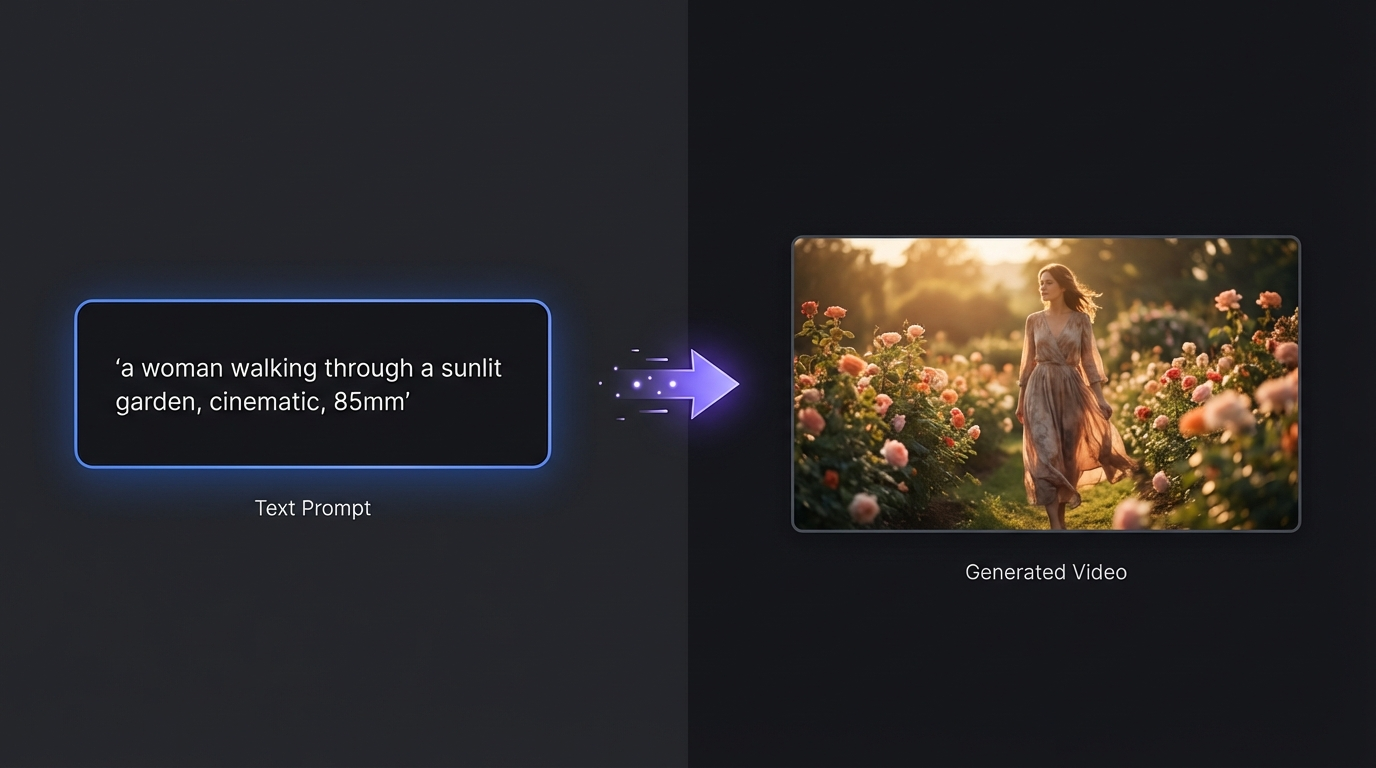
How Motion Control Works
Motion Control uses advanced pose estimation and video synthesis AI to analyze your source image, map motion data onto the detected figure, render each frame with visual consistency, and synthesize the final video with realistic clothing physics and background stability.
Upload Your Source Image
Use a full-body or waist-up shot with clear lighting. Simple backgrounds produce the best results. Ensure limbs are visible and not obscured.
Select a Motion Template
Choose from trending TikTok dances, natural walking and waving motions, expressive gestures, or upload your own reference video for custom motion.
Configure Settings
Pick your duration (3 to 30 seconds), choose Pro or Standard quality tier, and select your preferred Kling v3.0 engine.
Generate and Preview
Click generate, wait 1-3 minutes, then preview the result. Download or regenerate with different settings until you are satisfied.
Motion Control Best Practices
High-resolution source images produce smoother videos. Simple, form-fitting clothing renders better than loose or complex garments. The face in your source image should be clear and well-defined for optimal results.
Test multiple motion templates with the same image. The same character can look dramatically different with different choreography. Pair your Motion Control video with trending audio for maximum social media reach.
Pro Tip: Match the First Frame
For the best Motion Control results, use MakeInfluencer.ai's image editing tools to replicate the starting pose of your reference video before generating. This gives the AI a natural starting point and produces noticeably smoother motion.
Motion Control Use Cases
TikTok Dance Videos: Generate viral dance content featuring your AI influencer without any choreography skills or filming equipment. This is the number one way AI influencers go viral.
Product Showcases: Animate a model showing off products from different angles with natural movement. Ideal for affiliate marketing.
Music Video Content: Create music video clips featuring your AI character dancing to trending tracks.
Social Media Engagement: Dancing and moving content consistently outperforms static images on every platform.
Lip Sync: Create Talking Head Videos Up to 10 Minutes
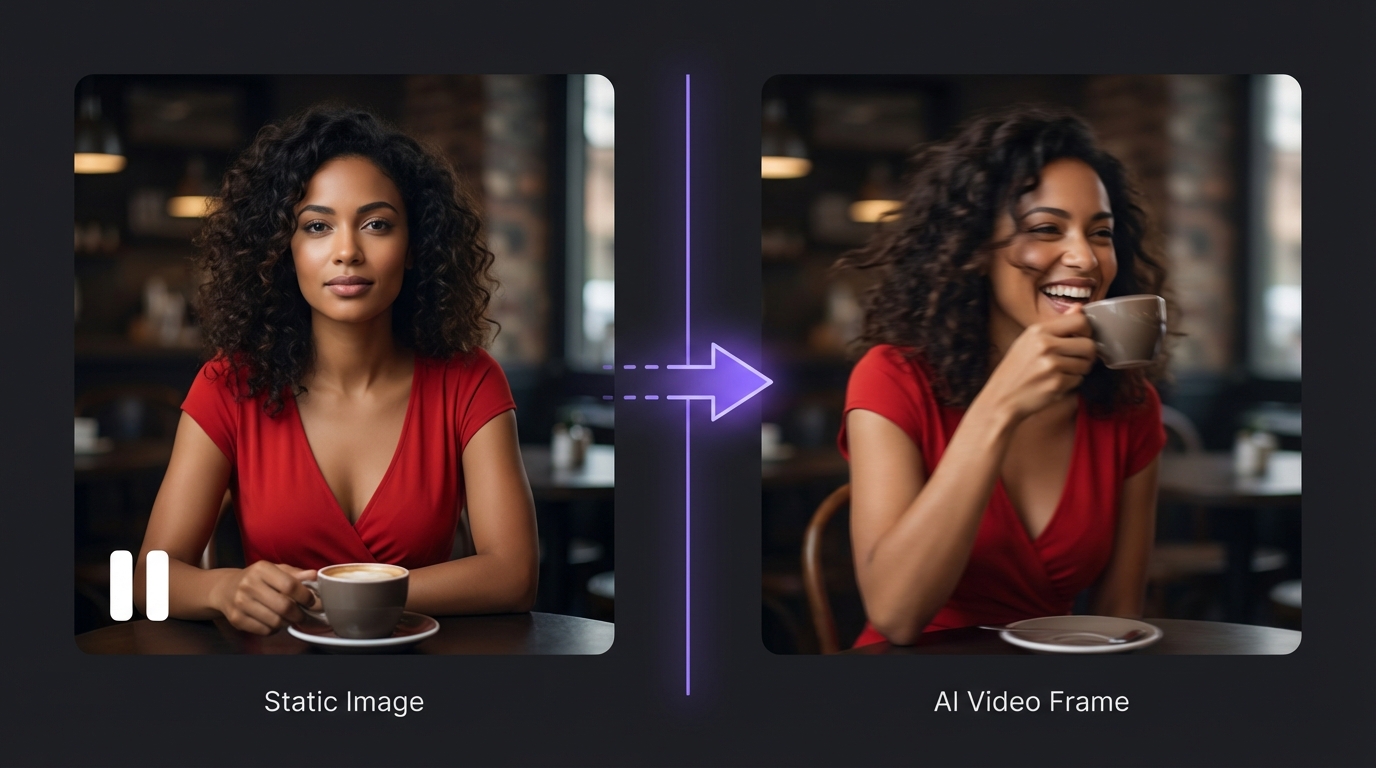
Lip Sync technology enables you to create realistic talking head videos from a single portrait image. The AI synchronizes lip movements to any audio input, creating videos where your AI influencer appears to be genuinely speaking.
For the complete Lip Sync walkthrough, visit the dedicated Lip Sync guide.
How Lip Sync Works
The Lip Sync pipeline maps dozens of facial landmark points on your source image, analyzes the input audio for phonemes and emotional tone, generates appropriate mouth shapes for each frame, adds natural micro-expressions and eye blinks, and compiles everything into a seamless video.
Prepare Your Portrait
Use a front-facing headshot with clear lighting on the face. A neutral or slight smile expression works best as a starting point.
Prepare Your Audio
Record your own voice, use AI-generated speech, or upload existing audio files. Clear speech with minimal background noise produces the best sync.
Configure Duration
Lip Sync videos can be up to 10 minutes long, opening up full YouTube videos, podcast visuals, educational tutorials, and narrative storytelling.
Generate and Review
Upload your image and audio, select the Lip Sync feature, generate, and preview. Adjust and regenerate as needed.
What 10-Minute Lip Sync Unlocks
One of MakeInfluencer.ai's standout capabilities is generating Lip Sync videos up to 10 minutes long. This opens entirely new content categories that short-form AI video cannot touch.
Full YouTube Videos
Create complete video essays, tutorials, or commentary pieces with your AI presenter as the host.
Podcast Visuals
Generate visual accompaniment for audio content, turning podcasts into watchable video.
Educational Content
Produce instructional videos with your AI character explaining complex topics step by step.
Personalized Messages
Generate personalized video messages from your AI character for fans and subscribers.
Sora 2: OpenAI's Cinematic Video Model
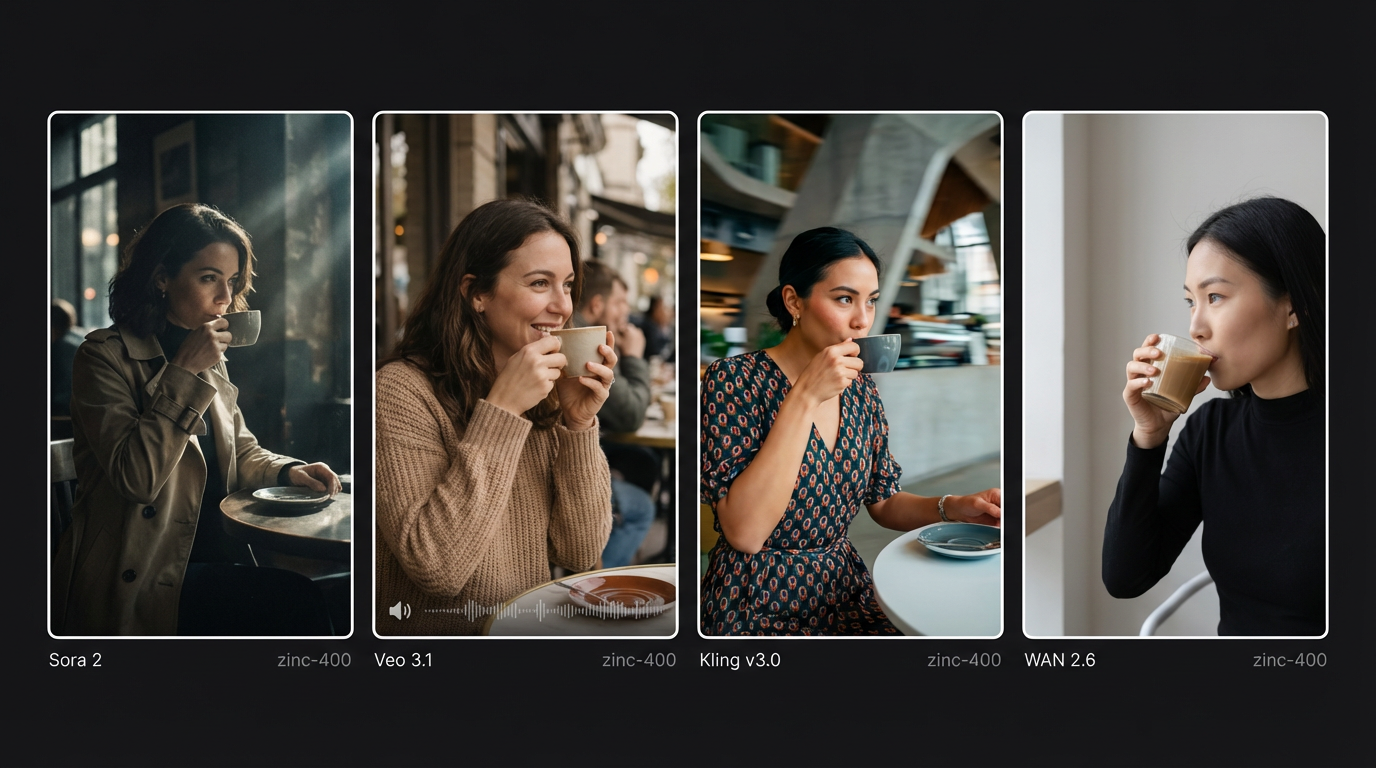
Sora 2 by OpenAI is available on MakeInfluencer.ai for creating high-quality cinematic video content with automatically synchronized audio. It excels at visually stunning, narrative-driven clips that feel like they were produced by a professional film crew.
For detailed prompting techniques, see the complete Sora 2 Prompting Guide.
What Makes Sora 2 Special
Sora 2 produces videos with professional-grade visual quality and automatic audio generation including sound effects, ambient audio, and music. It understands realistic physics simulation of water, fire, wind, and gravity. It comprehends storytelling prompts and creates coherent scenes with style versatility ranging from photorealistic to artistic.
Sora 2 Content Restrictions
Sora 2 has strict content policies. It cannot generate , copyrighted characters (Disney, Marvel, anime), copyrighted music, real people or public figures, or process human faces in input images. Violations will cause generation failures with no credit refund.
Crafting Effective Sora 2 Prompts
A strong Sora 2 prompt includes the subject (who or what is the focus), setting (where it takes place), action (what happens), style (visual mood), camera work (movement and framing), and audio direction (sounds and atmosphere).
A lone astronaut walks across a vast alien desert under two setting suns.
The camera slowly tracks alongside them as wind whips red sand across the
landscape. In the distance, ancient ruins emerge from the dunes.
Atmospheric sci-fi music with wind sounds and crunching footsteps.
Veo 3: Google's Latest Video Generation Model
Veo 3 is Google's most advanced video generation model, now available on MakeInfluencer.ai. It represents a significant leap forward in AI video quality with exceptionally realistic human and object movement.
For detailed prompting techniques, see the complete Veo 3 Prompting Guide.
Veo 3 Capabilities
Veo 3 delivers the highest visual fidelity among AI video models available in 2026. It generates synchronized audio including dialogue, effects, and music. It supports longer clips than most competing models and handles photorealistic, animated, artistic, and hybrid visual styles.
When to Use Veo 3
Choose Veo 3 when you need the absolute highest visual quality, for realistic naturalistic content, when motion quality is critical for dance or action sequences, and when you want the latest in AI video rendering technology.
Platform-Specific Video Strategies
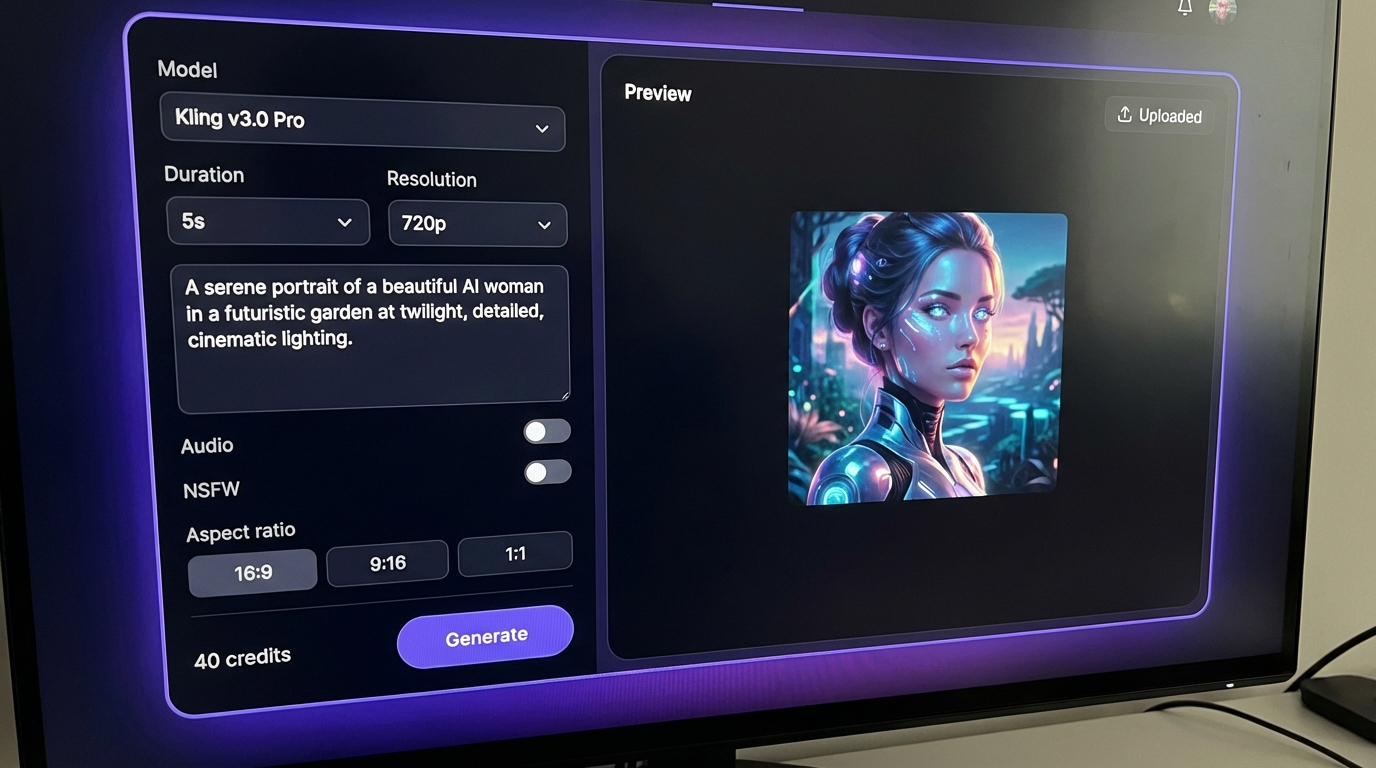
Different social media platforms reward different types of video content. Here is how to optimize your AI video strategy for each platform.
TikTok Video Strategy
TikTok rewards high-frequency posting with trending content. AI video generation is perfectly suited for this platform's demands.
Optimal content mix for TikTok:
- 60% Motion Control videos for dance trends, reaction clips, and movement-based content
- 25% Lip Sync videos for trending audio, comedy skits, and storytelling
- 15% Cinematic clips from Sora 2 or Veo 3 for viral potential
Post 2-4 times daily for algorithm favor. Use trending sounds within 24-48 hours of them going viral. Keep videos under 30 seconds for the highest completion rates. Hook viewers in the first 1-2 seconds.
Instagram Reels Strategy
Instagram Reels favors polished, aesthetic content over raw volume.
Optimal content mix for Instagram:
- 40% Motion Control for lifestyle and fashion-oriented movement
- 30% Lip Sync for tips, advice, and educational talking head content
- 30% Cinematic content from Sora 2 or Veo 3 for visual impact
Focus on visual quality over quantity. Use Nano Banana Pro Ultra images as video thumbnails. Create carousel posts combining AI images with video content.
YouTube Strategy
YouTube offers unique opportunities for both short and long-form AI video content. Shorts under 60 seconds work well with Motion Control highlight clips and cinematic teasers. Long-form videos up to 10 minutes using Lip Sync are ideal for full tutorials, commentary, product reviews, and educational series.
Use Lip Sync for long-form content and build consistent series with the same AI presenter. Optimize titles and thumbnails using GPT Image 1 for text-based thumbnail generation. Learn more about building a faceless YouTube channel with AI.
Monetization Strategies with AI Video
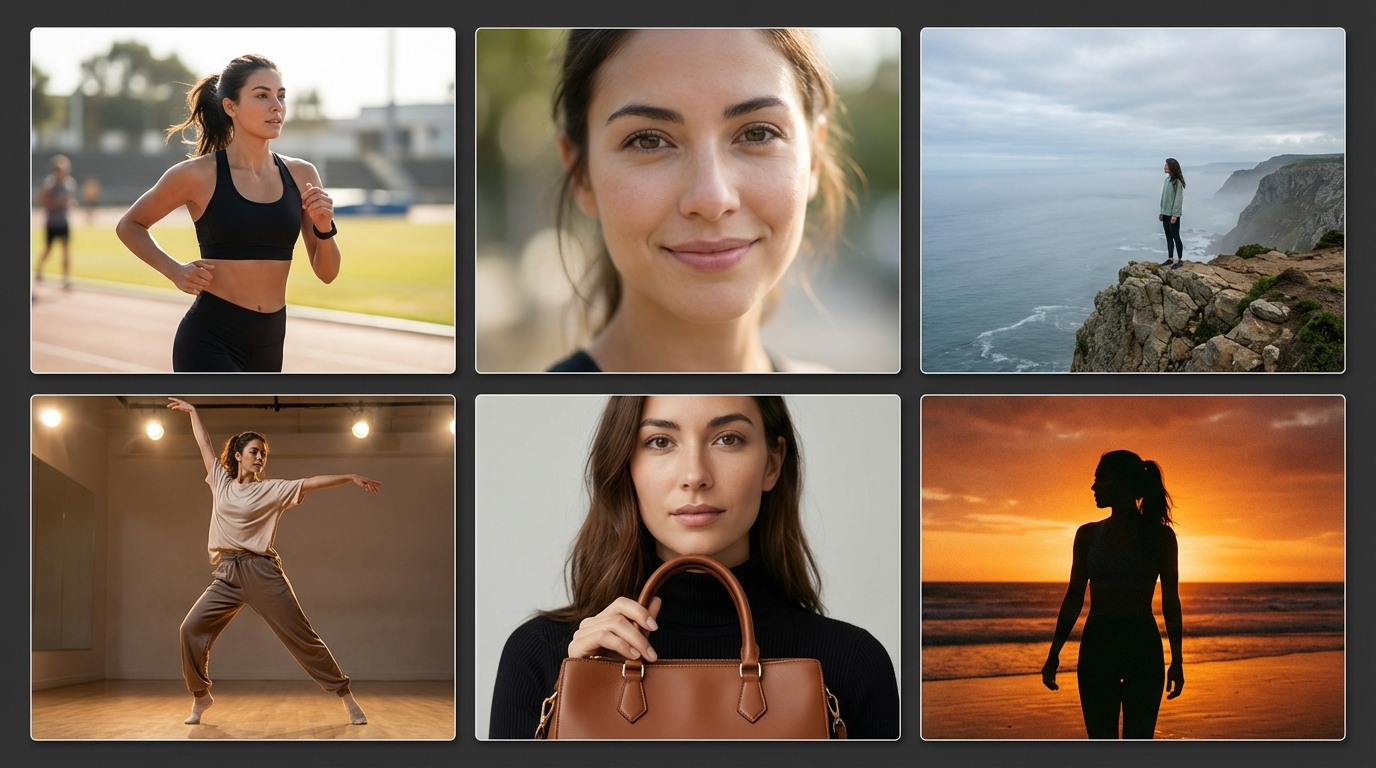
AI video generation opens multiple revenue streams. Here is how successful creators are turning AI video into income.
Direct Monetization
Platform ad revenue from YouTube for long-form Lip Sync content, TikTok Creator Fund for viral Motion Control videos, and Instagram Reels bonuses for consistent high-performing content.
Sponsored content using AI video to create branded content for sponsors, Motion Control product showcases for brand partnerships, and Lip Sync testimonials for affiliate marketing.
Indirect Monetization
Use viral short-form video to drive fans to your MakeInfluencer.ai influencer profile. Convert video viewers into paying chat subscribers. Build awareness with free video content on social media and direct fans to paid platforms for exclusive content.
For a deep dive into revenue strategies, read the complete Make Money with AI Influencers guide.
Revenue Potential
AI influencer creators who post 3-4 videos per week and combine Motion Control, Lip Sync, and cinematic content report earning between $5,000 and $20,000 per month from a single AI persona.
Prompt Tips for Better AI Videos
General Principles
Strong prompts share these characteristics regardless of which model or feature you use.
- Be specific about motion: "A woman dances energetically with hip-hop choreography" is far better than "a woman moves"
- Describe the environment: Setting and background affect the mood and quality of every frame
- Specify camera angles: "Close-up," "wide shot," "tracking shot" guide the AI's composition
- Include lighting details: "Golden hour lighting," "neon city lights," "soft studio lighting"
- Mention audio when applicable: "Upbeat electronic music," "ocean waves in the background"
Model-Specific Tips
Motion Control: Reference specific dance styles like "hip-hop choreography" or "contemporary dance." Describe the energy level and mention clothing interaction like "dress flowing with movement."
Lip Sync: Match the audio tone to the visual style of your image. Use clear, well-paced audio for optimal synchronization. For long-form content, break audio into natural segments.
Sora 2 and Veo 3: Think like a film director and describe the scene as if writing a screenplay. Include multiple sensory details and specify camera transitions. Avoid copyrighted references. See the dedicated Sora 2 Prompting Guide and Veo 3 Prompting Guide for advanced techniques.
Common Mistakes to Avoid
Technical Mistakes
- Low-quality source images: Always use the highest quality images available as input
- Mismatched audio: Ensure your Lip Sync audio matches the character's apparent age, gender, and style
- Wrong aspect ratios: Match your video to the target platform (9:16 for TikTok and Reels, 16:9 for YouTube)
- Over-prompting: Sometimes simpler prompts produce better results than overly detailed ones
Strategic Mistakes
- Inconsistent posting: Social media algorithms reward consistency. Use AI to maintain a steady schedule.
- Ignoring trends: Motion Control makes it easy to jump on trends quickly -- use this advantage
- Not testing variations: Generate multiple versions and post the best one
- Skipping thumbnails: Even great videos need compelling thumbnails. Use AI image generation to create them.
Frequently Asked Questions
What AI video features are available on MakeInfluencer.ai?
MakeInfluencer.ai offers five video pipelines: Motion Control (dance and motion videos from a single image), Lip Sync (talking head videos up to 10 minutes), Sora 2 (cinematic video with auto audio), Veo 3 (highest visual fidelity), and Kling v3.0 (versatile generation with I2V, T2V, and Motion Control). Each serves different content creation needs.
How long can AI-generated videos be?
Lip Sync videos can be up to 10 minutes long. Motion Control supports up to 30 seconds with Kling v3.0. Standard video generation with Sora 2, Veo 3, and Kling v3.0 ranges from 3 to 15 seconds per generation. Longer content can be created by editing multiple clips together.
Do I need video editing skills to use AI video generation?
No. MakeInfluencer.ai handles the entire video creation process from a single image and a prompt or audio file. The output is a ready-to-post video file. However, basic video editing skills can help you combine multiple clips or add custom audio tracks.
Which AI video model should I use for social media?
For TikTok dance trends, use Motion Control with Kling v3.0. For talking head content on YouTube, use Lip Sync. For cinematic content that stands out on Instagram, use Sora 2 or Veo 3. For , use or WAN 2.6 Flash.
How much does AI video generation cost?
Costs depend on the model, duration, and quality tier. Kling v3.0 Standard starts at 12,000 credits for 3 seconds. Sora 2 starts at 40,000 credits for 4 seconds. Lip Sync starts at 15,000 credits. Plans start at $29 per month with enough credits for dozens of videos.
Can I use AI-generated videos commercially?
Yes. Videos generated on MakeInfluencer.ai can be used for commercial purposes including brand collaborations, affiliate marketing, product promotions, monetized social media content, and client deliverables.
Start Creating AI Videos Today
You do not need a camera, a studio, lighting equipment, or video editing skills. All you need is a single image and MakeInfluencer.ai.
Sign Up
Create your account at MakeInfluencer.ai and choose a plan to start generating.
Generate Your Character
Use any of the 10+ image models to create your AI influencer, or upload an existing image.
Choose Your Video Feature
Select Motion Control for dance content, Lip Sync for talking videos, or Sora 2 / Veo 3 for cinematic clips.
Create and Post
Generate your first video, download it, and share it across your social media platforms.
Scale Your Content
Build a consistent posting schedule with multiple video types to grow your audience and revenue.
Join over 300,000 creators who are already using AI video to grow their audiences, build their brands, and generate revenue without ever stepping in front of a camera.