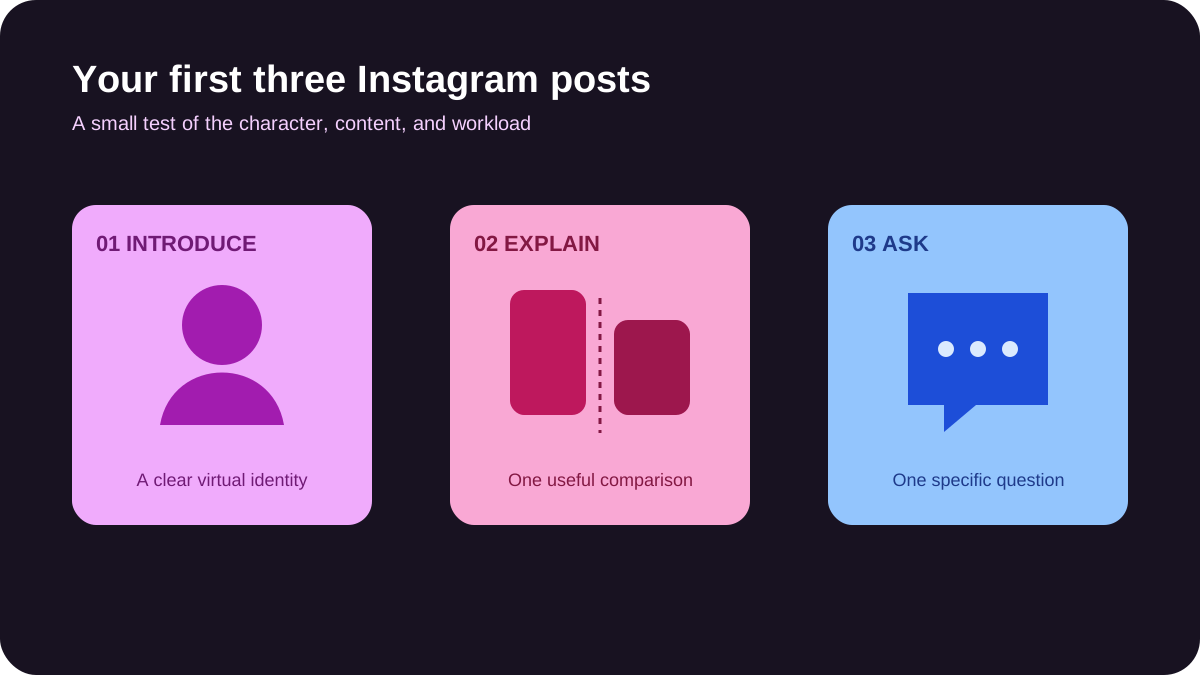
You do not need a month of generated portraits to find out whether an Instagram concept makes sense. Start with three posts: an introduction, a useful explanation, and a comparison people can discuss.
This guide is a small launch test for someone working with free or limited tools. It assumes you will verify the current allowance and usage terms of any generator you choose. It does not assume that image generation, exports, or commercial use are always free.
Choose an account promise you can demonstrate
A fictional stylist sharing ideas for a small wardrobe is a workable premise. “Beautiful AI influencer living a perfect life” gives viewers little reason to return.
Write a one-sentence promise and list three questions the account could answer. For the stylist, those might be how to change an outfit's proportions, how to combine two colors, and how to style one item for different contexts. Choose a subject you can explain responsibly without inventing personal experience.
State that the character is virtual. It can have a voice and point of view without pretending to have bought, worn, or tested products.
Check the generator before building the feed
Look for reference support, usable downloads, clear limits, and terms that fit your intended use. Confirm whether your images are public and whether commercial use is permitted. A free preview is not necessarily a free export.
Run a small identity test: a portrait, a wider image, and a second setting. Compare the facial structure, hairline, apparent age, and repeated accessories. If those change unpredictably, fix the workflow before spending the remaining allowance on a feed.
The free AI influencer maker guide covers this test in detail. Use images you have the right to upload and avoid copying a real person's identity.
Make three posts with different jobs
Post one: introduce the premise
Use a clear portrait and a caption that explains what the account offers. For example: “A fictional virtual stylist exploring practical outfit ideas. This week: three ways to change the shape of a simple look.”
That is a sample bio direction, not a claim that the character has a real wardrobe or professional credentials. Keep the disclosure readable and easy to find.
Post two: explain one decision
Build a short carousel around a concrete comparison. Show two versions of the same outfit and explain the effect of the hemline or color choice. Keep the character consistent so changes in anatomy do not become the hidden reason one version looks different.
Add text in an editor after generation. Review the wording, contrast, and reading order on a phone. Each slide should contribute something; there is no need to add extra frames simply to make the carousel longer.
Post three: ask a specific question
Give viewers a real choice: “Which jacket works better with this silhouette, and what would you change?” The images should make the difference visible. A specific question is easier to answer than “Thoughts?”
If you have no audience yet, ask a few willing readers whether they understand the concept. Treat their feedback as feedback, not a substitute for public performance data.
Prepare the profile and publishing files
Choose a readable handle, a portrait that survives a circular crop, and a bio that states both the topic and the virtual identity. Add a link only when it has a useful destination.
Preview every post in its intended format. Keep text away from edges, check the profile crop, and write alt text that describes the meaningful visual information. Keep originals, prompts, and final exports in separate folders so later revisions are manageable.
Use the platform's applicable AI disclosure controls. Meta describes its approach to synthetic media in its AI labeling guidance. Check the current posting flow, especially when adding realistic generated video or audio. Commercial relationships need their own clear disclosure too.
Review what the test actually tells you
Record how long each post took, how many outputs you rejected, and which comments reveal interest or confusion. Where account insights are available, review saves, shares, and profile activity alongside the content itself.
Three posts cannot establish a reliable growth forecast. They can reveal whether the character holds together, the promise is understandable, and the workload is manageable. If people like the portrait but cannot explain what the account is about, improve the premise before generating more portraits.
Continue with the 30-day Instagram plan once you have a format worth repeating. Pay for tools only when a specific production limit is holding that format back.
Frequently asked questions
Do I need Reels to start?
A static post or carousel is enough for this first test. Add video when motion or speech helps the idea, and budget time to review it.
Can three posts lead to paid work?
They can serve as a small sample of your work. They do not establish audience reach, a revenue forecast, or a guaranteed route to sponsorships.
What if the free allowance runs out?
Review the usable assets and the remaining problem before buying more credits. Sometimes a clearer brief or simpler format is the better next step.