Social media content creation is one of the most demanding aspects of building an online presence. Between Instagram posts, TikTok videos, YouTube content, and stories across every platform, creators are expected to produce a constant stream of high-quality visual content.
For most people, this means spending hours every day shooting, editing, and publishing -- or paying thousands to agencies and freelancers. AI has fundamentally changed this equation.
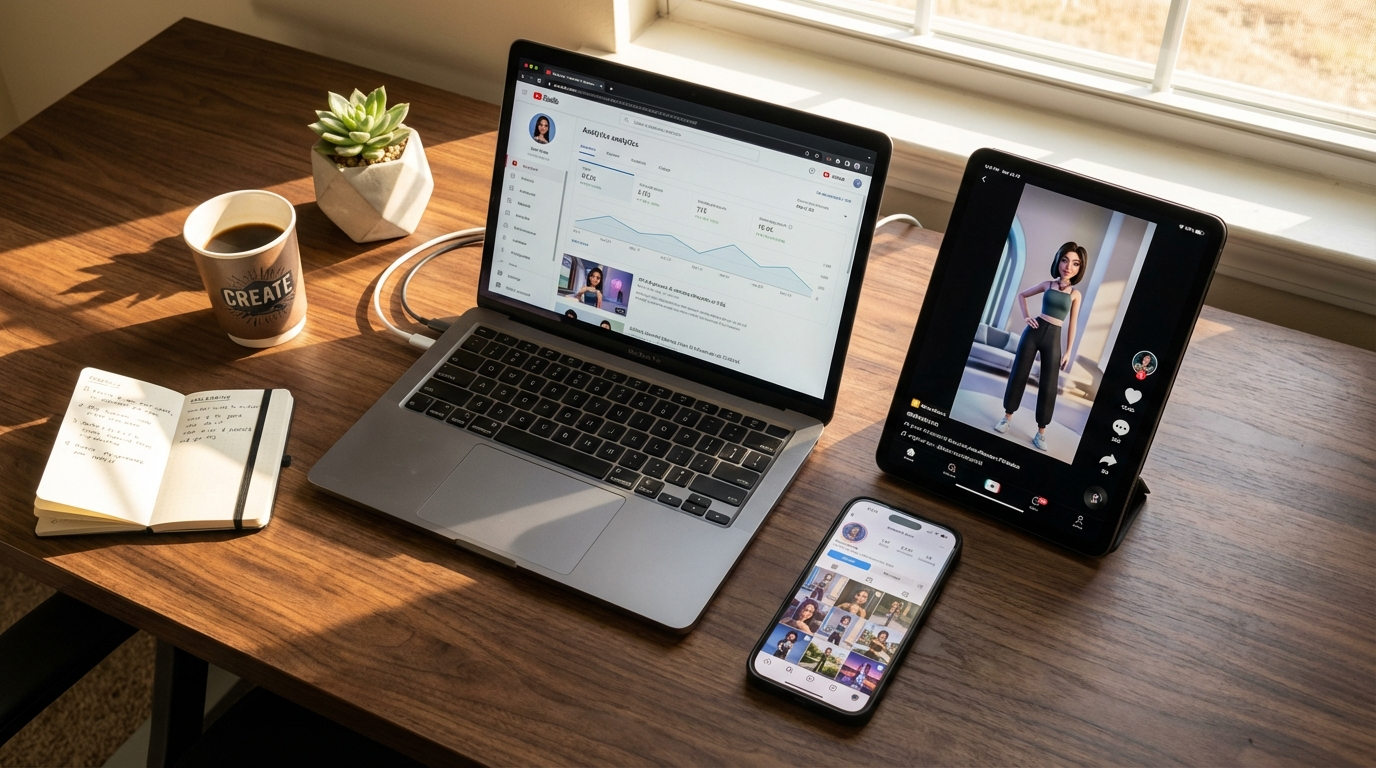
With the right tools, a single creator can now produce more content in one afternoon than a traditional content team creates in a week. This guide shows you exactly how to use MakeInfluencer.ai to automate and scale your social media content creation across every major platform.
The Social Media Content Crisis and How AI Solves It
The Problem Every Creator Faces
The numbers are brutal:
- Instagram: Optimal posting frequency is 3-7 posts per week, plus daily stories
- TikTok: Top creators post 1-4 times per day to stay in algorithmic favor
- YouTube: Weekly uploads minimum, with Shorts daily for growth
- Twitter/X: 3-5 posts per day for visibility
- LinkedIn: 2-3 posts per week for professional audiences
That is roughly 40-60 pieces of content per week across platforms. Even with a team, this is overwhelming. For solo creators, it is virtually impossible using traditional methods.
The AI Solution
AI content creation on MakeInfluencer.ai addresses every bottleneck:
No Photoshoots
Generate stunning images from text descriptions in seconds.
No Video Production
Create professional videos from a single image with Lip Sync and Motion Control.
No Editing Software
AI handles post-processing, retouching, and optimization automatically.
No Scheduling Conflicts
Generate content whenever you want, not when lighting or talent is available.
No Skill Barriers
Natural language prompts replace years of Photoshop or Premiere Pro experience.
Unlimited Variety
Generate hundreds of content variations instantly for A/B testing.
AI Image Generation for Social Media
Instagram: Feed Posts
Instagram feed posts need to be visually striking, consistent with your brand, and engaging enough to stop the scroll. If you are building an AI influencer specifically, see our full guide on how to create an AI influencer.
Best models for Instagram feed posts on MakeInfluencer.ai:
- Nano Banana Pro (14,000 credits, ~12s): Premium quality for hero posts and feature images
- Seedream 4.5 (5,000 credits, ~10s): Best value for daily content that looks great
- MakeInfluencer Flagship (1,000 credit, ~8s): Best for AI influencer character content
For a detailed comparison, see our guide on the best AI models for image generation.
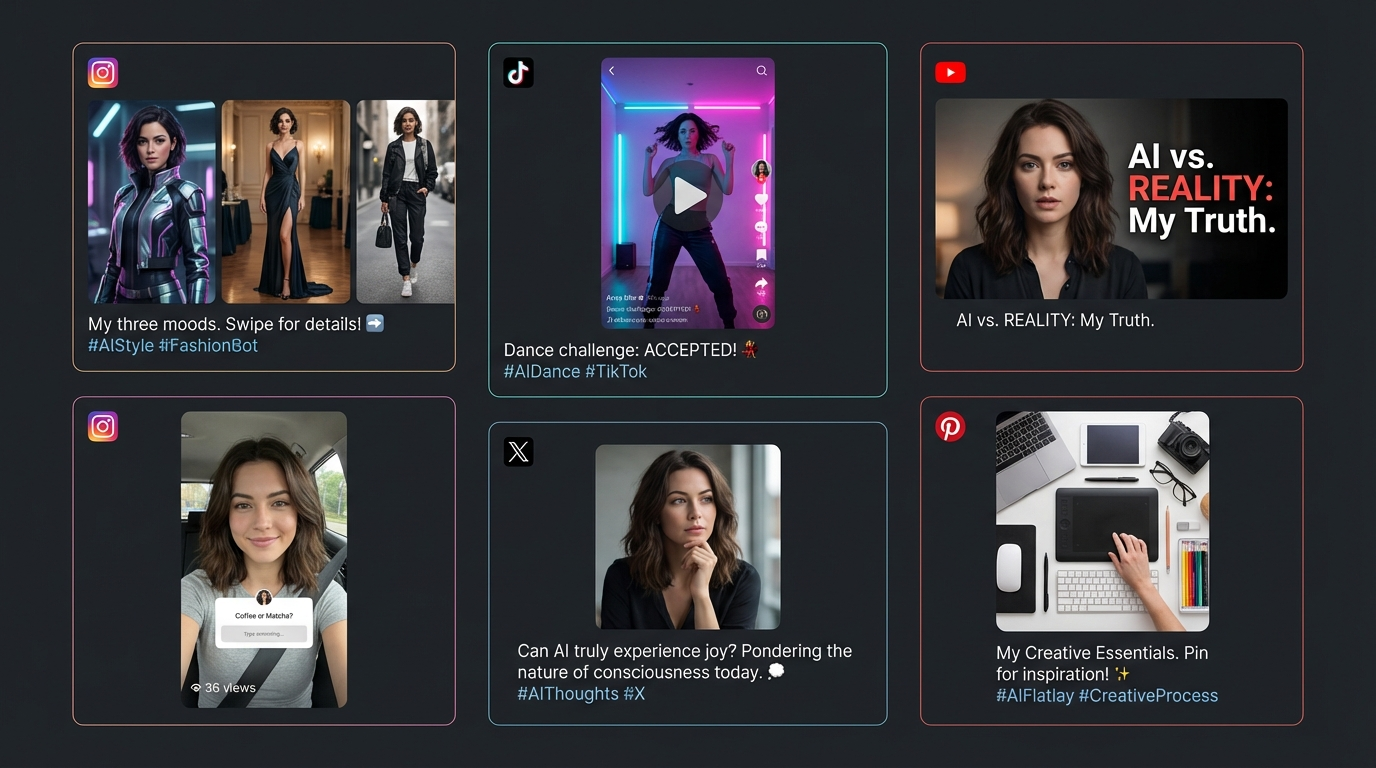
Instagram Content Types You Can Generate:
- Portrait/Selfie Style: Front-facing shots of your AI character in interesting settings
- Lifestyle: Activities like coffee shop visits, gym sessions, travel, cooking
- Fashion/OOTD: Outfit showcases in different settings and styles
- Product Placement: Your AI character with branded products for sponsored posts
- Quote Posts: Use GPT Image 1 (best at text rendering) for motivational or branded quotes
- Carousel Posts: Generate a series of related images telling a visual story
Optimal Image Specifications for Instagram:
- Feed posts: 1080x1080 (square) or 1080x1350 (4:5 portrait -- gets more feed real estate)
- Stories: 1080x1920 (9:16)
- Reels covers: 1080x1920
Example Prompt for Instagram Lifestyle Post:
A beautiful young woman sitting at a trendy minimalist coffee shop,
natural morning light streaming through large windows, holding a
ceramic latte cup, wearing a casual cream sweater and gold jewelry,
soft bokeh background with plants, shot on 85mm lens, warm color
grading, Instagram aesthetic
Instagram: Stories
Stories are the perfect format for high-volume AI content because they disappear after 24 hours:
- Use budget models (Seedream 4 at 3,000 credits or Nano Banana at 4,000 credits) since quality requirements are lower
- Generate 5-10 story images daily featuring different moments in your character's "day"
- Add text overlays, polls, and questions using Instagram's built-in tools
- Create story series: Morning routine, outfit selection, daily adventures
TikTok: Image-Based Content
While TikTok is video-first, AI-generated images play several important roles:
- Slideshow videos: Combine multiple AI images with trending audio
- Before/after reveals: Show AI transformation edits
- Photo dumps: TikTok photo carousels are growing in popularity
- Thumbnail images: Custom thumbnails for your TikTok profile
YouTube: Thumbnails and Graphics
YouTube thumbnails can make or break a video's performance:
- Use GPT Image 1 (13,000 credits): Best at rendering text directly in images, perfect for thumbnails
- Use Nano Banana Pro Ultra (25,000 credits): Highest quality for channel branding images
- Generate multiple thumbnail variations: Test different styles to find what drives the highest CTR
AI Video Generation for Social Media
Video content drives the highest engagement across all platforms. MakeInfluencer.ai offers multiple video generation tools perfectly suited for social media. For a comprehensive overview, see our AI video generation guide.
Motion Control Videos for TikTok and Reels
Motion Control is a game-changer for short-form video platforms. Read our complete Motion Control guide for advanced techniques.
Why Motion Control Dominates TikTok:
- Dance content consistently goes viral on TikTok
- You can create trending dance videos without choreography skills
- Turn any AI character image into a dynamic dance clip
- React to trending songs and dances within hours
Content Strategy for Motion Control:
Monitor Trending Sounds
Check TikTok's Discover page daily for emerging sounds and dance trends.
Generate Motion Control Videos
Create your version using trending audio within 24-48 hours of trend emergence.
Post at Peak Hours
Publish during 7-9 PM in your target audience's timezone for maximum reach.
Use Relevant Hashtags
Combine trending hashtags with niche-specific tags for optimal discovery.
Create Variations
Same dance, different outfits or settings to test what resonates best.
Lip Sync Videos for YouTube and Long-Form Content
Lip Sync technology unlocks long-form content creation. See our dedicated Lip Sync guide for best practices.
YouTube Video Ideas with Lip Sync:
- Commentary videos: Your AI character discusses trending topics (up to 10 minutes)
- Tutorial/How-to content: Educational content with an AI presenter
- Story time videos: Engaging narrative content
- Product reviews: AI character reviewing and recommending products
- Q&A sessions: Answer fan questions with video responses
YouTube Shorts with Lip Sync:
- Quick tips and advice (15-60 seconds)
- Reactions to trending topics
- "Day in the life" snippets
- Motivational or inspirational messages
For more YouTube strategies, see our faceless YouTube channel guide.
Sora 2 and Veo 3 for Cinematic Social Content
For content that stands out from the crowd, check the best AI video generators 2026 comparison.
Sora 2 Use Cases:
- Cinematic intro sequences for YouTube channels
- Artistic and visually stunning short clips for Instagram
- Mood-setting videos for brand content
Veo 3 Use Cases:
- Highest quality video clips for premium content
- Product and brand showcases with cinematic production value
- Professional-grade video content without a production budget
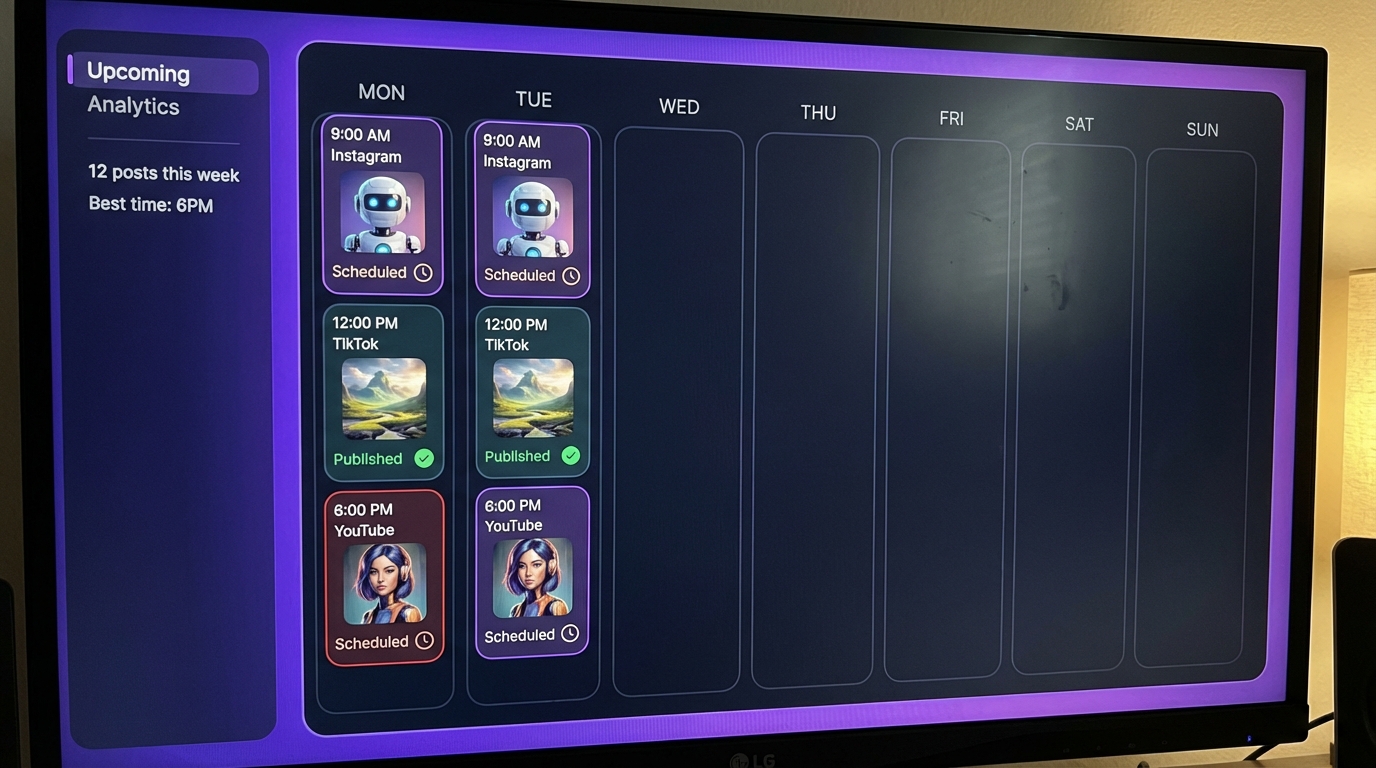
Workflow Automation: Scaling Your Content
Building a Content Generation Workflow
The key to sustainable social media content creation is systematizing the process.
Daily Content Workflow (30 minutes/day):
- Morning (10 minutes):
- Generate 3-5 images using Seedream 4/4.5 for daily social posts
- Create 1 Motion Control video for TikTok/Reels
- Queue all content for scheduled posting
- Midday (10 minutes):
- Generate 5-10 story images for Instagram
- Create 1-2 Lip Sync clips for TikTok/YouTube Shorts
- Review and post story content
- Evening (10 minutes):
- Review performance of posted content
- Engage with comments and messages
- Plan next day's content themes
Weekly Content Workflow:
- Monday: Generate hero images for the week (Nano Banana Pro)
- Tuesday: Create long-form Lip Sync video for YouTube
- Wednesday: Batch generate Motion Control videos for the week
- Thursday: Create themed content for upcoming trends/events
- Friday: Generate weekend content in advance
- Weekend: Monitor performance, engage with audience, plan next week
Batch Generation Strategies
Efficient creators batch their content generation:
- Image batching: Generate all images for the week in one session
- Video batching: Create all Motion Control and Lip Sync videos together
- Theme batching: Generate all content for a specific theme (beach, city, holiday) at once
- Platform batching: Optimize content for each platform's specific requirements
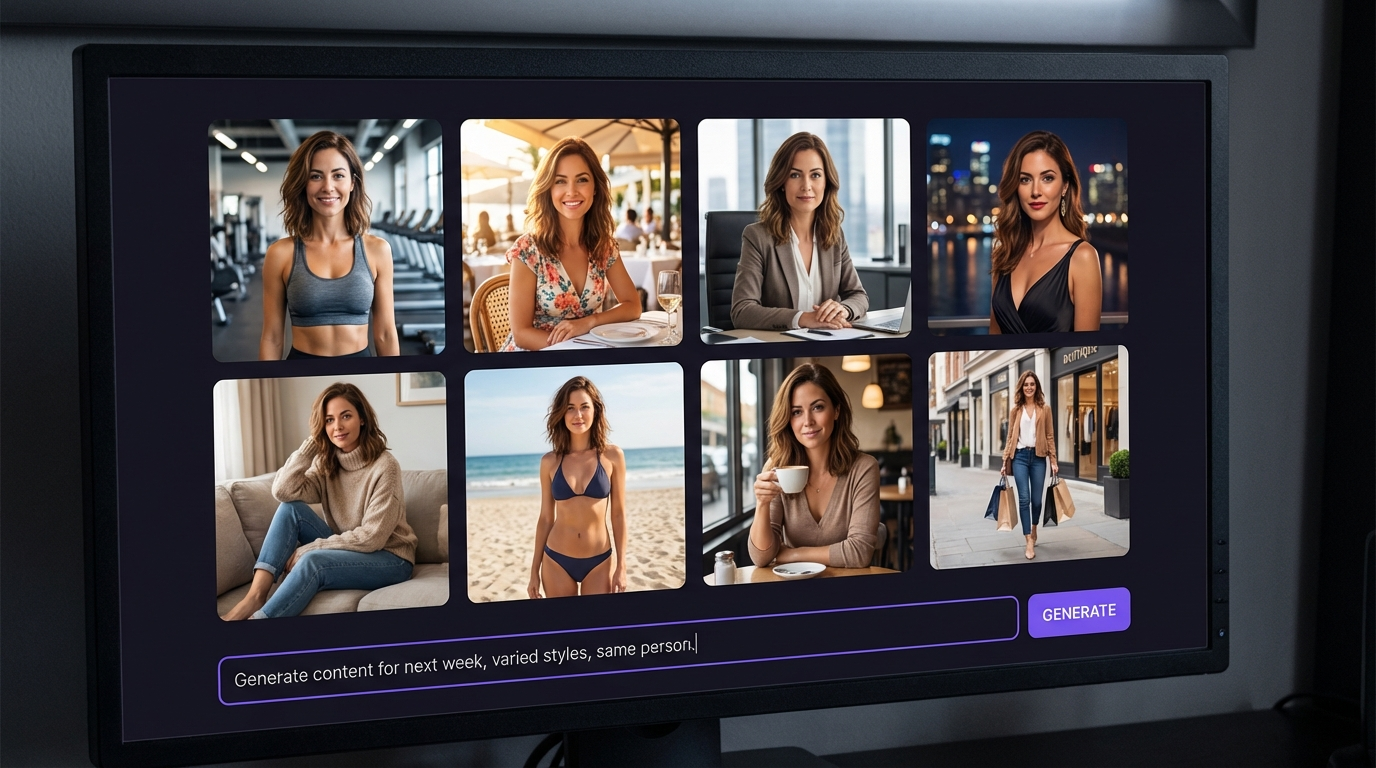
Content Calendar Management
Monthly Planning:
- Identify key dates (holidays, events, trending moments)
- Plan themed content weeks in advance
- Allocate credits budget across content types
- Set goals for follower growth and engagement
Weekly Planning:
- Review trending topics and sounds
- Plan specific content pieces for each platform
- Prepare prompts for batch generation
- Schedule posting times for optimal reach
Platform-Specific Optimization Strategies
Instagram Growth with AI Content
Algorithm Signals AI Helps You Win:
- Consistency: AI enables daily posting without burnout
- Visual quality: AI-generated images are consistently high quality
- Engagement bait: Generate diverse content that encourages saves and shares
- Reels dominance: AI video creation lets you post Reels daily
Instagram-Specific Tactics:
- Post Reels daily: Motion Control or Lip Sync videos. Reels get 3-5x more reach than static posts.
- Use carousel posts: Generate 5-10 related images as a swipeable carousel. Carousels get 1.4x more reach and 3.1x more engagement than single images.
- Hook in 3 seconds: Start every Reel with movement, a bold statement, or a visual transformation.
- Optimal posting times: 7-9 AM, 12-2 PM, and 7-9 PM for highest engagement.
- Shares and saves matter most: Create content people want to send to friends or save for later. These are the strongest algorithm signals.
- Collaborate with other AI accounts: Use Instagram's Collab feature to double your reach.
Hashtag Strategy (2026 Update):
Instagram now penalizes hashtag stuffing. Use 3-5 highly relevant hashtags:
- Niche specific (5K-50K posts): Target your specific niche community
- Medium reach (50K-500K posts): #AIInfluencer, #VirtualInfluencer, #AIGenerated
- Broad reach (500K+ posts): Use sparingly -- #AIart, #ContentCreator
- Branded: Create a unique hashtag for your character or brand
For the complete viral playbook, see our guide on how to go viral with AI content.
TikTok Growth with AI Content
TikTok Algorithm Factors AI Exploits:
- Posting frequency: AI lets you post 2-4 times daily
- Trend speed: Motion Control lets you jump on dance trends within hours
- Content variety: AI generates unlimited variations to test what resonates
- Completion rate: Short, engaging AI videos drive high completion rates
TikTok-Specific Tactics:
- First 3 seconds determine everything: Open with a pattern interrupt -- unexpected movement, bold text, or a surprising visual.
- 70% completion rate = algorithm boost: Keep videos short (15-30 seconds) until you build an audience.
- Trending sounds increase reach 40%: Check TikTok Creative Center daily for emerging sounds.
- Post 3-5 times per day: Volume is king on TikTok. Each video gets its own algorithmic chance.
- Duet and stitch popular content: Put your AI influencer in front of existing viral audiences.
- Comment replies become new content: Reply to top comments with a new video for a content flywheel.
For monetization tactics, see our AI TikTok monetization guide.
YouTube Growth Strategy with AI Content
YouTube Content Strategy:
- Long-form (weekly): 5-10 minute Lip Sync videos on evergreen topics
- Shorts (daily): Quick Motion Control or Lip Sync clips
- Thumbnails: Custom AI-generated thumbnails for every video
- Community posts: AI-generated images for YouTube Community tab
- Playlists: Organize AI content into themed playlists for binge-watching
For the complete YouTube playbook, see our faceless YouTube channel guide.
Twitter/X Strategy for AI Content
Twitter/X serves as a powerful amplification and community-building tool:
- Single high-quality image posts with conversational captions get the most engagement
- Thread-style storytelling with multiple images showing a day-in-the-life
- Engagement-bait questions: "Which look should I post next?" "Rate this outfit 1-10"
- Consistent daily posting (3-5 tweets per day minimum)
Revenue Breakdown by Platform
Monthly Revenue Potential Per AI Influencer
| Platform | Revenue Source | 10K Followers | 50K Followers | 100K+ Followers |
|---|---|---|---|---|
| Subscriptions + Brand deals | $200-$800 | $1,000-$4,000 | $3,000-$12,000 | |
| TikTok | Creator Fund + Brand deals | $100-$500 | $500-$3,000 | $2,000-$10,000 |
| YouTube | AdSense + Affiliates | $300-$1,500 | $1,500-$8,000 | $5,000-$30,000 |
| Twitter/X | Subscriptions + Referrals | $50-$200 | $200-$1,000 | $500-$3,000 |
| creator platforms/creator platforms | Subscriptions + PPV + Tips | $500-$3,000 | $3,000-$12,000 | $8,000-$30,000 |
Combined Revenue at 50K Followers Across Platforms: $7,000-$31,000/month
Revenue Optimization Priority
Focus monetization efforts in this order:
- Subscription platforms (creator platforms/creator platforms) -- highest revenue per follower
- YouTube long-form -- highest passive revenue from existing content
- Brand deals -- highest individual payouts
- TikTok/Instagram monetization -- supplementary income from platform programs
For the complete monetization breakdown, see our guide on making money with AI influencers.
Content Calendar Template
Weekly Content Calendar
Monday -- "Motivation Monday"
- Instagram: Motivational carousel (5-7 AI images with text overlay)
- TikTok: GRWM video with Monday morning vibes (Motion Control)
- YouTube Short: Quick motivational Lip Sync clip
Tuesday -- "Tip Tuesday"
- Instagram: Reel with a useful tip related to your niche (Lip Sync)
- TikTok: Quick-tip video (15-30 seconds)
- YouTube Short: Repurpose TikTok tip
Wednesday -- "Lifestyle Wednesday"
- Instagram: Day-in-the-life carousel (8-10 lifestyle images)
- TikTok: Day-in-the-life slideshow with trending audio
- YouTube: Upload long-form video (8-15 minutes, Lip Sync)
Thursday -- "Transformation Thursday"
- Instagram: Transformation Reel (before/after reveal)
- TikTok: Transformation video with dramatic audio
- YouTube Short: Clip from Wednesday's long-form video
Friday -- "Fashion Friday"
- Instagram: Outfit ranking carousel + Story polls
- TikTok: Outfit challenge video (Motion Control)
- YouTube Short: Quick outfit showcase
Saturday -- "Social Saturday"
- Instagram: Nightlife/going out content + Stories
- TikTok: 2-3 trending sound videos (Motion Control)
Sunday -- "Self-Care Sunday"
- Instagram: Cozy/relaxation aesthetic images
- TikTok: Slow-paced, aesthetic content
- YouTube: Plan and script next week's long-form video
Daily Posting Schedule
| Time | Platform | Content Type |
|---|---|---|
| 7:00 AM | Instagram Feed | Hero image or carousel |
| 8:00 AM | Twitter/X | Image + caption |
| 9:00 AM | TikTok #1 | Trending sound video |
| 12:00 PM | Instagram Story | 3-5 story slides |
| 1:00 PM | TikTok #2 | Niche content video |
| 2:00 PM | YouTube Short | Quick tip or clip |
| 5:00 PM | TikTok #3 | Engagement-focused video |
| 7:00 PM | Instagram Reel | Best video of the day |
| 9:00 PM | TikTok #4 | Trending content |
Advanced Strategies
Cross-Platform Content Repurposing
Maximize every piece of AI content across platforms:
- Instagram feed post --> crop for Twitter/X --> add to Pinterest board
- TikTok Motion Control video --> post as Instagram Reel --> upload as YouTube Short
- YouTube long-form Lip Sync --> clip highlights for Shorts --> extract still frames for Instagram
- AI-generated images --> create slideshow video with trending audio for TikTok
Content Pillar Strategy
Organize your AI content around 3-5 content pillars:
- Lifestyle (30%): Daily life, food, travel, activities
- Fashion/Beauty (25%): Outfits, styling, beauty looks
- Entertainment (20%): Dance videos, funny clips, trending content
- Educational (15%): Tips, advice, tutorials related to your niche
- Personal/BTS (10%): "Behind the scenes," personal thoughts, Q&A
Each pillar uses different AI features:
- Lifestyle: Image generation (Seedream 4.5, Nano Banana Pro)
- Fashion: High-quality image generation (Nano Banana Pro, Pro Ultra)
- Entertainment: Motion Control videos
- Educational: Lip Sync talking head videos
- Personal: Mix of images and short Lip Sync clips
Seasonal and Trend-Based Content Planning
Quarterly Planning:
Plan major content themes around holidays, cultural events, seasonal themes, and platform events. When a new trend emerges, use the 24-hour response protocol:
- Identify the trend within 12 hours
- Generate appropriate AI content (Motion Control for dances, images for visual trends)
- Post within 24-48 hours of trend emergence
- Use all relevant trending hashtags and sounds
- Monitor performance and ride the trend wave
Getting Started: Your First Week of AI Social Media Content
Day 1: Setup
- Sign up at MakeInfluencer.ai
- Create or configure your AI character. See our getting started guide.
- Set up social media profiles
- Plan your content pillars and brand aesthetic
Day 2: Image Content Foundation
- Generate 20-30 images using Seedream 4.5 or Nano Banana Pro
- Curate the best 10-15 for your initial content library
- Post your first 2-3 Instagram feed posts
- Create and post 5 Instagram stories
Day 3: Video Content
- Create your first Motion Control dance video
- Generate a short Lip Sync video (30-60 seconds)
- Post the Motion Control video to TikTok and Instagram Reels
- Upload the Lip Sync video to YouTube Shorts
Day 4: Engagement and Analysis
- Respond to all comments and messages
- Generate additional story content
- Review initial performance data
- Identify which content types performed best
Day 5-7: Optimization and Scaling
- Generate more of the content types that performed well
- Test different prompt variations
- Post across all platforms
- Plan your weekly content calendar
Frequently Asked Questions
How much time does AI content creation actually take per day?
With an established workflow, most creators spend 30-60 minutes per day on content creation. Batch creation sessions on weekends can prep an entire week's worth of content in a single afternoon.
Which AI model should I use for daily social media posts?
Seedream 4.5 (5,000 credits, ~10s) offers the best balance of quality and cost for daily content. Use Nano Banana Pro (14,000 credits) for hero posts and premium content that anchors your feed.
Can AI-generated content actually go viral?
Yes. AI-generated content regularly goes viral across TikTok, Instagram, and YouTube. The key is optimizing for platform-specific algorithm signals. See our complete guide on how to go viral with AI content.
How do I maintain character consistency across hundreds of posts?
MakeInfluencer.ai's trained LoRA models ensure your character looks identical in every image and video. See our character consistency guide for the full technical breakdown.
Should I disclose that my content is AI-generated?
Yes. Major platforms require AI content labeling, and transparency builds audience trust. Most audiences respond positively to high-quality AI content regardless of its origin.
What is the most cost-effective content strategy?
Start with image content on Instagram (lowest cost per piece), add TikTok videos with Motion Control (high organic reach), then layer in YouTube Lip Sync videos (highest revenue per view). Scale each platform as revenue allows.
Transform Your Social Media Presence with AI
The creators who embrace AI content tools now will have an insurmountable advantage over those who wait. While others spend hours filming, editing, and struggling to maintain consistency, you can generate an entire week's worth of professional content in a single afternoon.
MakeInfluencer.ai gives you everything you need:
- 10+ AI image models from Google, Alibaba, OpenAI, and ByteDance
- Motion Control for viral dance and movement videos
- Lip Sync for talking head content up to 10 minutes
- Sora 2 and Veo 3 for cinematic video generation
- Character consistency with automatic LoRA training
Stop struggling to keep up with the content treadmill. Let AI do the heavy lifting while you focus on strategy, engagement, and growth.
Start Creating AI Social Media Content on MakeInfluencer.ai
Updated March 2026. Join 300,000+ creators using MakeInfluencer.ai to automate their social media content. Get started today -- plans start at $29/month.